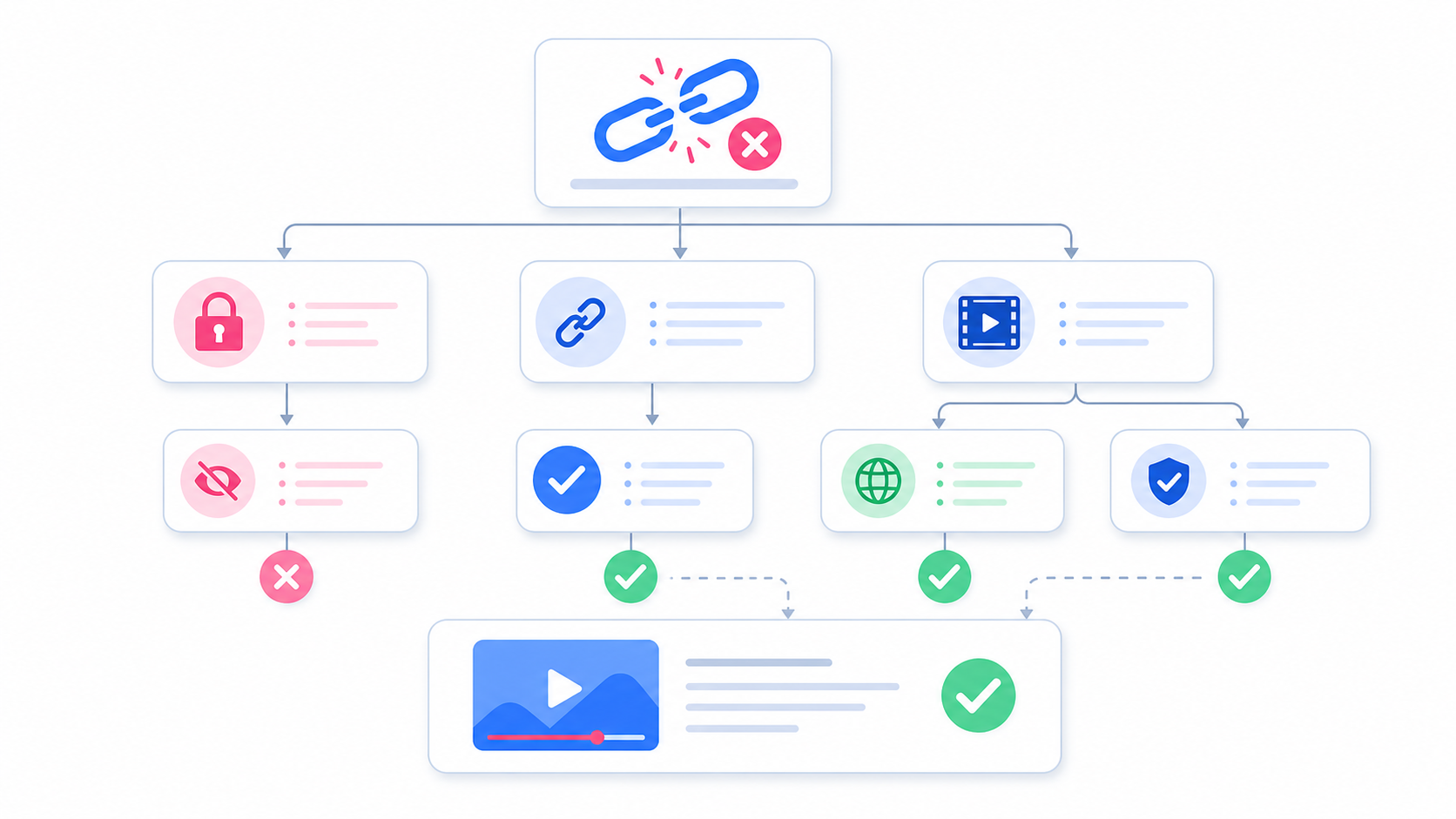
Many people search for an Instagram video downloader without login because they do not want to enter their Instagram password into a third-party tool. That instinct is smart. A safe downloader should not ask for your Instagram username, password, recovery code, or two-factor authentication. For public videos and Reels, a browser-based tool should only need the public link. This article explains how no-login Instagram video downloading works, why it can be safer, and what warning signs to avoid.
What Does “Without Login” Mean?
“Without login” means you do not need to sign in to Instagram through the downloader. You copy a public Instagram video URL, paste it into SaveReels, preview the video, and download the supported file. SaveReels does not ask for your Instagram password. It works only with supported public links, such as public Reel URLs and public single-video post URLs.
Why No-Login Downloaders Are Useful
A no-login downloader is convenient because it removes unnecessary steps. You do not need to create an account, connect your Instagram profile, install an app, or give broad permissions. This is especially helpful when you want to: Save your own public video backup Download a public Reel for personal reference Archive approved public content for a campaign Review public video examples for editing inspiration Extract audio from supported public videos using an MP3 tool
Is It Safe to Use an Instagram Downloader Without Login?
A downloader that does not ask for login can be safer than one that requires account access, but safety still depends on the tool. A safer tool should: Not ask for your Instagram password Not request two-factor authentication codes Not require suspicious app installs Not force browser extensions Clearly explain supported link types Avoid claiming it can bypass private accounts Use a secure website connection Keep the process simple and transparent SaveReels is designed for supported public Instagram video and Reel URLs. It does not provide access to private content.
Warning Signs to Avoid
Be careful with any downloader that: Asks you to log in with Instagram Promises to download private videos Requires an APK from an unknown source Pushes unrelated browser notifications Opens many pop-ups before showing a download Asks for payment before previewing the content Requests access to contacts, photos, messages, or accounts Claims to “unlock” restricted profiles If a tool asks for more information than a public video link, stop and think before continuing.
Public Links vs Private Content
No-login downloaders work only with content that is publicly accessible. If a video belongs to a private account or requires login to view, SaveReels will not process it. This is a good thing. Tools should respect privacy settings instead of trying to bypass them. If you need a private video, ask the owner to send it to you directly or request permission to access the file.
Do You Need to Install an App?
No. SaveReels works in your browser on iPhone, Android, Windows, macOS, and tablets. You do not need to install a downloader app or browser extension. Browser-based downloading is useful because you can use the tool when you need it and close it when you are done.
Does SaveReels Store My Instagram Password?
No. SaveReels does not ask for your Instagram password, so there is no Instagram password to store. You paste a public video link, and the tool prepares the supported download when possible.
Can a No-Login Downloader Download Any Instagram Video?
No. This is an important limitation. SaveReels supports public Instagram Reels and public single-video post URLs. It does not support private videos, Stories, Highlights, image posts, carousel posts, or content that requires login. A tool that says it can download absolutely everything should be treated with caution.
Best Practices for Safe Downloading
Follow these simple rules: Use public links only. Never enter your Instagram password into a downloader. Avoid unknown apps and APKs. Check the downloaded file before sharing it. Do not repost someone else’s video without permission. Keep your browser updated. Close suspicious pop-ups immediately.
FAQ
Can I use SaveReels without an Instagram account?
Yes. You can use SaveReels with supported public Instagram video links without logging in.
Does SaveReels need my password?
No. SaveReels does not ask for your Instagram username or password.
Can no-login tools download private videos?
No. SaveReels does not bypass private accounts or restricted content.
Is an online downloader safer than an app?
It can be, especially if it does not require login, installation, or broad device permissions.
What should I do if a downloader asks for my Instagram password?
Do not enter it. Use a tool that works with public links only.