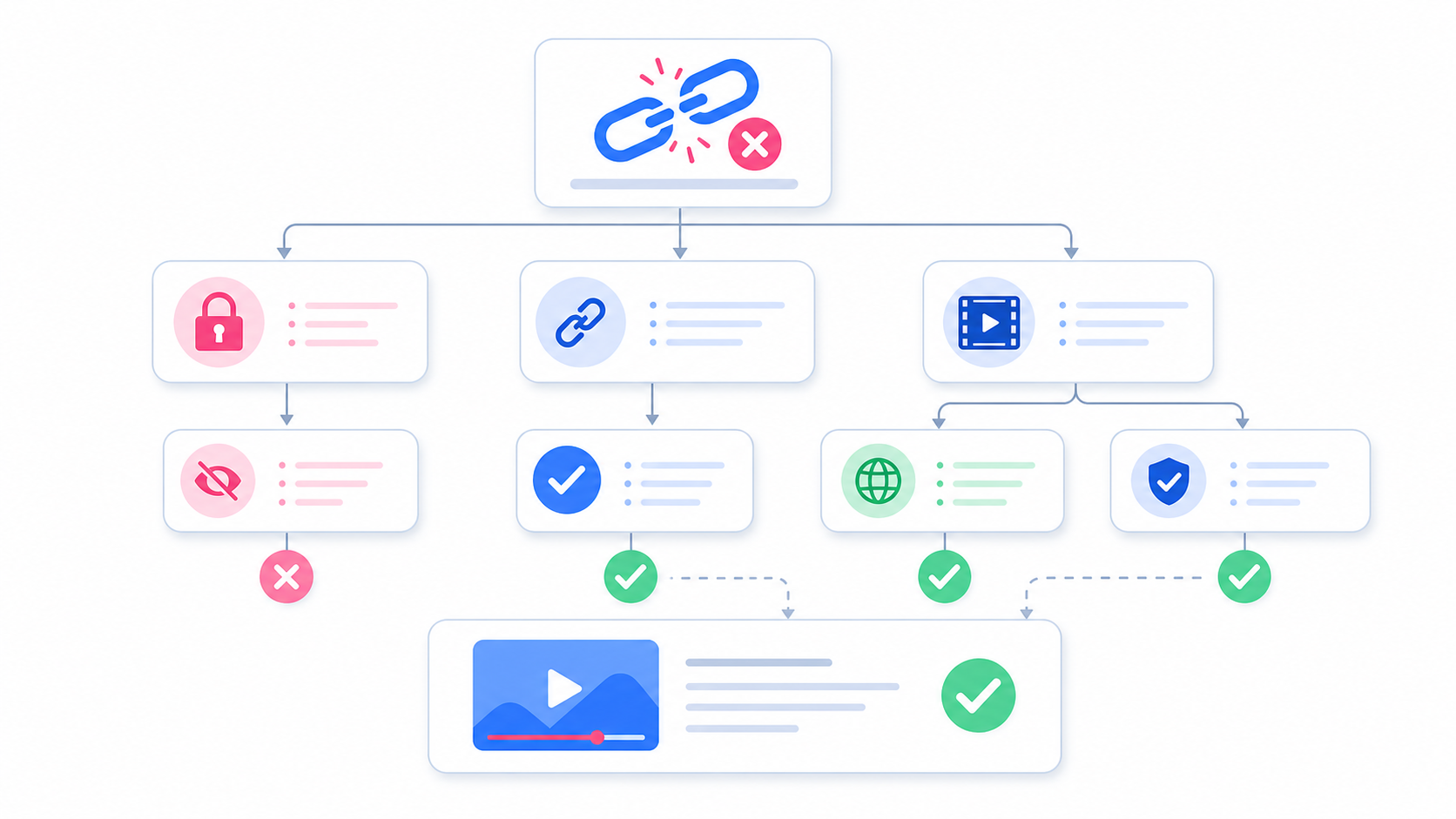
If your Instagram video link is not working, it does not always mean the downloader is broken. Most issues come from unsupported URLs, private posts, expired links, browser settings, or Instagram temporarily changing how public media is delivered. This guide explains the most common reasons an Instagram video link fails and what you can do to fix it.
1. The Instagram Video Is Private
SaveReels works with public Instagram video and Reel links only. If a post belongs to a private account, is limited to followers, or requires login to view, it cannot be processed as a public download. Even if you personally follow the account, a public downloader cannot access private content on your behalf. SaveReels does not ask for your Instagram login and does not bypass privacy settings. Fix: Use a public video or ask the creator to send you the file directly.
2. The Link Is Not a Direct Video URL
Sometimes users copy a profile URL, hashtag page, Explore page, or shared message link instead of a direct video post link. SaveReels needs a direct URL to a supported Instagram video or Reel. If the link does not point to a specific piece of video content, the downloader may not know what to process. Fix: Open the exact video or Reel, then copy the link from that post.
3. The Post Type Is Not Supported
SaveReels currently supports public Instagram Reels and public single-video post URLs. It does not support: Stories Highlights Private videos Image posts Carousel posts Deleted posts Restricted content Profile pages Fix: Make sure your link is for a public Reel or a public single-video post.
4. The Instagram Post Was Deleted or Restricted
If the creator deleted the post, changed the account to private, restricted the content by region, or removed the video, the link may stop working. The link may still appear in old messages, bookmarks, or browser history, but the actual media may no longer be available. Fix: Open the link in a browser. If the post does not load publicly, it cannot be downloaded through SaveReels.
5. The URL Was Copied Incorrectly
A missing character, extra text, tracking parameter, or broken copied URL can prevent the downloader from reading the link. This happens often when links are copied from chat apps, shortened previews, notes, emails, or text messages. Fix: Copy the link again directly from Instagram and paste it into SaveReels without editing it.
6. Your Browser Is Blocking the Download
Some browsers, privacy extensions, ad blockers, or security settings may block file downloads or preview requests. This is more common on mobile browsers, work devices, school networks, or browsers with strict privacy settings. Fix: Try another browser, such as Safari on iPhone or Chrome on Android and desktop. You can also temporarily disable extensions that block scripts or downloads.
7. Your Internet Connection Is Unstable
Video processing and downloading require a stable connection. If your connection drops while SaveReels is checking the link or preparing the file, the process may fail. Fix: Refresh the page, reconnect to Wi-Fi, or try again on a more stable network.
8. Instagram Temporarily Changed Media Delivery
Instagram may change how public media is served, restrict automated requests, or temporarily block access to some media files. When this happens, a link that worked before may fail for a period of time. Fix: Try again later. If other public Instagram video links work but one specific link fails, the problem is probably related to that post.
Quick Troubleshooting Checklist
Before trying again, ask:
Is the post public?
Is it a video or Reel?
Is it a direct Instagram post URL?
Does it open in a browser without login?
Did I copy the full link?
Is my browser allowing downloads?
Does another public video link work?
If the answer is yes to all of these and the link still fails, wait a few minutes and try again.
How to Test Whether a Link Is Public
Open a private or incognito browser window and paste the Instagram link. If the content loads without asking you to log in, it is more likely to be public. If it asks for login, shows an error, or displays unavailable content, SaveReels will not be able to process it.
What to Do If You Need the Video Urgently
If the video is yours, open your original file from your phone, cloud storage, editing app, or Instagram archive if available. If the video belongs to another creator, ask them to send you the file directly. Do not use tools that ask for someone else’s login, promise to bypass private accounts, or require suspicious app installations.
FAQ
Why does SaveReels say my link is not supported?
The link may be private, unsupported, deleted, or not a direct video URL.
Can SaveReels download Stories?
No. Stories and Highlights are not supported in this version.
Why does one Instagram video work but another does not?
The working video may be public and supported, while the other may be private, restricted, deleted, or a different post type.
Should I log in to fix the problem?
No. SaveReels does not require your Instagram login. Avoid tools that ask for your password to download public videos.
Can I report a broken link?
If a public Reel or public single-video post still does not work after the checklist above, try again later. Temporary Instagram-side changes may affect availability.