When you want to save an Instagram video, you usually have two options: use an online downloader in your browser or install a downloader app. Both can sound convenient, but they are not the same. An online tool is usually faster for occasional downloads, while an app may require installation, permissions, updates, and storage space. This guide compares online Instagram downloaders and downloader apps so you can choose the safer and simpler option.
What Is an Online Instagram Downloader?
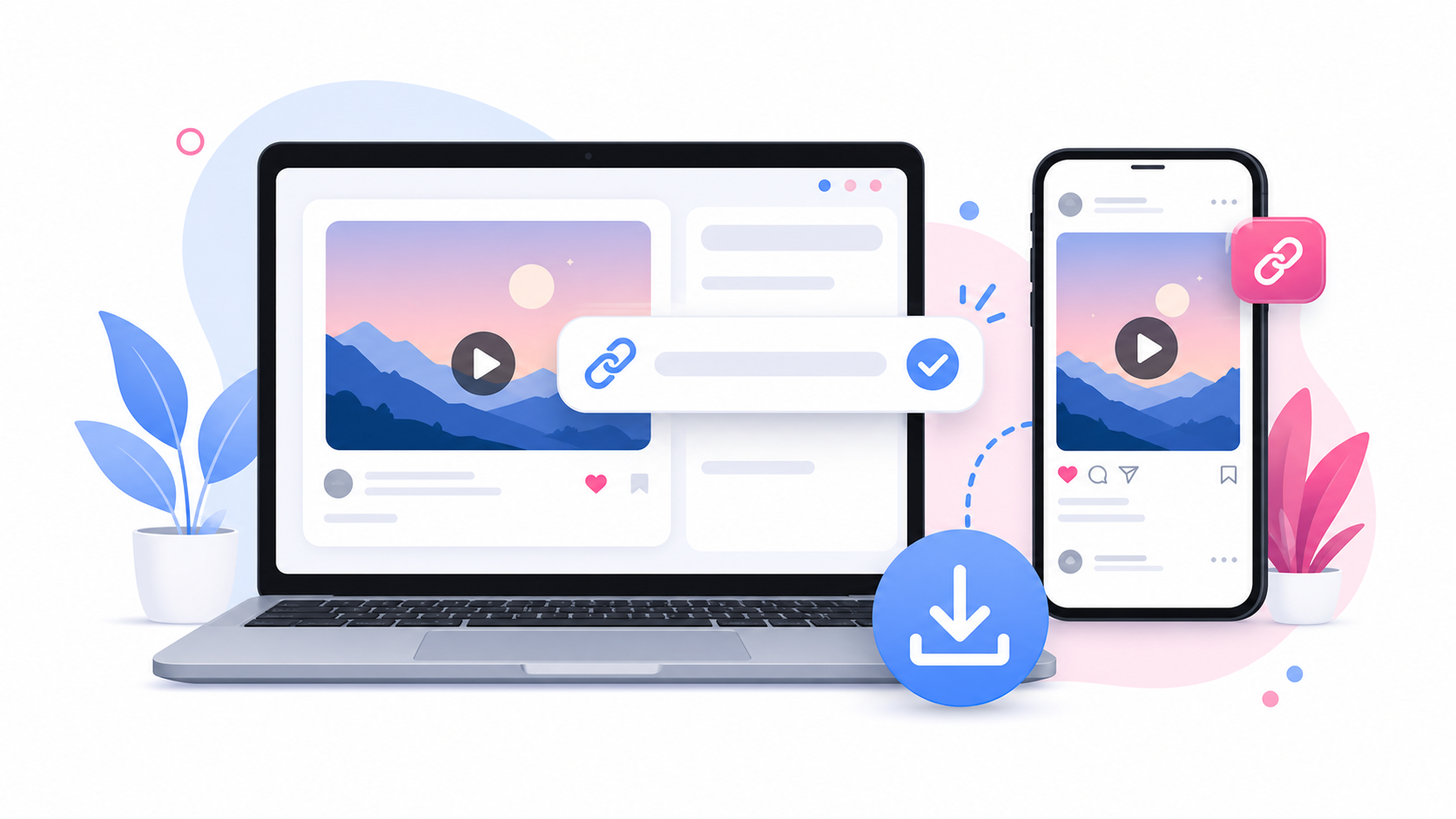
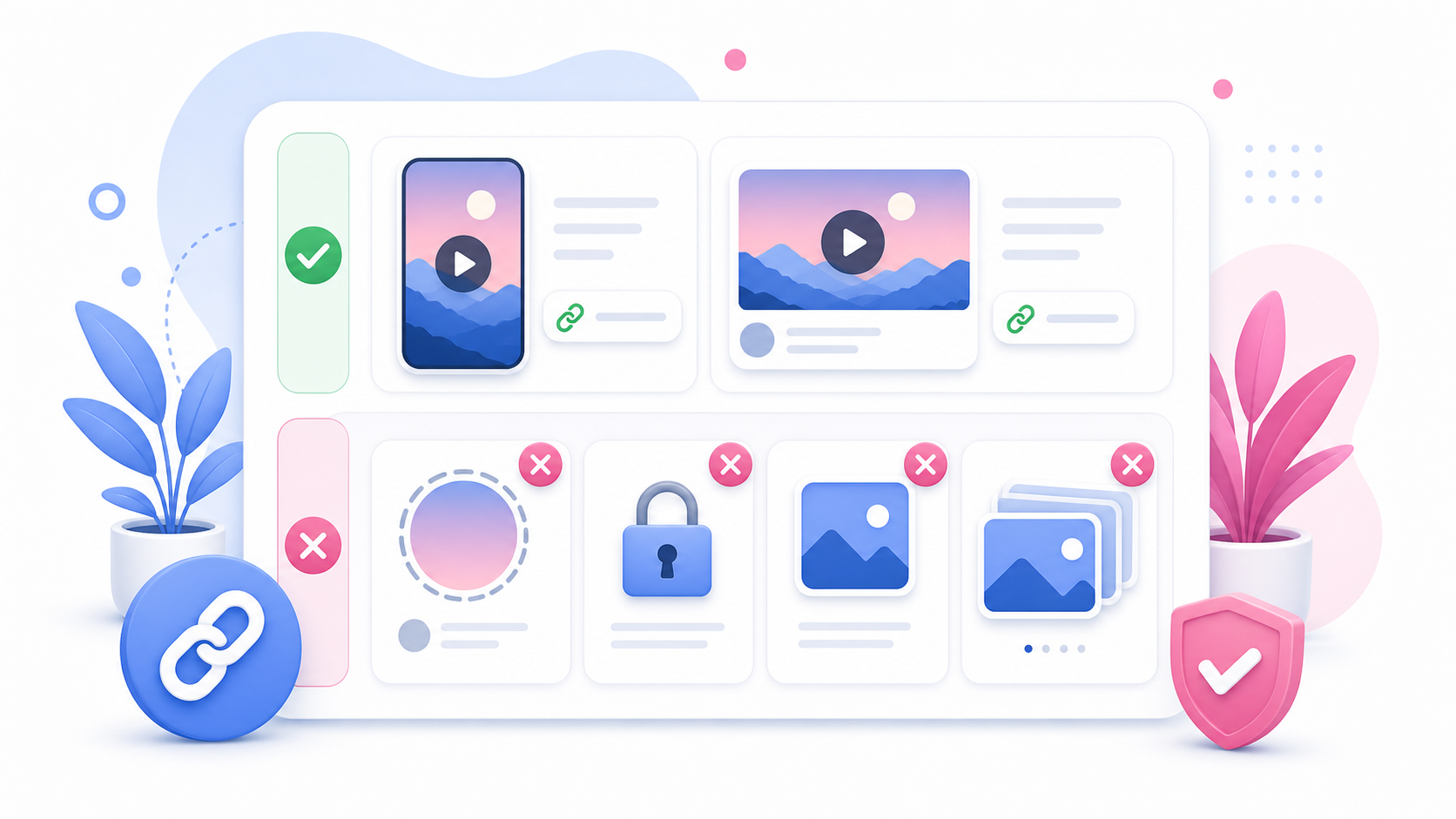
An online Instagram downloader is a browser-based tool. You open a website, paste a supported public Instagram video link, preview the content, and download the file. SaveReels is an online downloader for supported public Instagram videos and Reels. You do not need to install anything. You do not need to create an account. You do not need to log in with Instagram.
What Is a Downloader App?
A downloader app is installed on your phone, tablet, or computer. Some apps may offer extra features, but they may also ask for permissions, use storage, show ads, require updates, or request access you do not want to provide. Not every app is unsafe, but installing an app just to download one public video may be unnecessary.
Main Difference
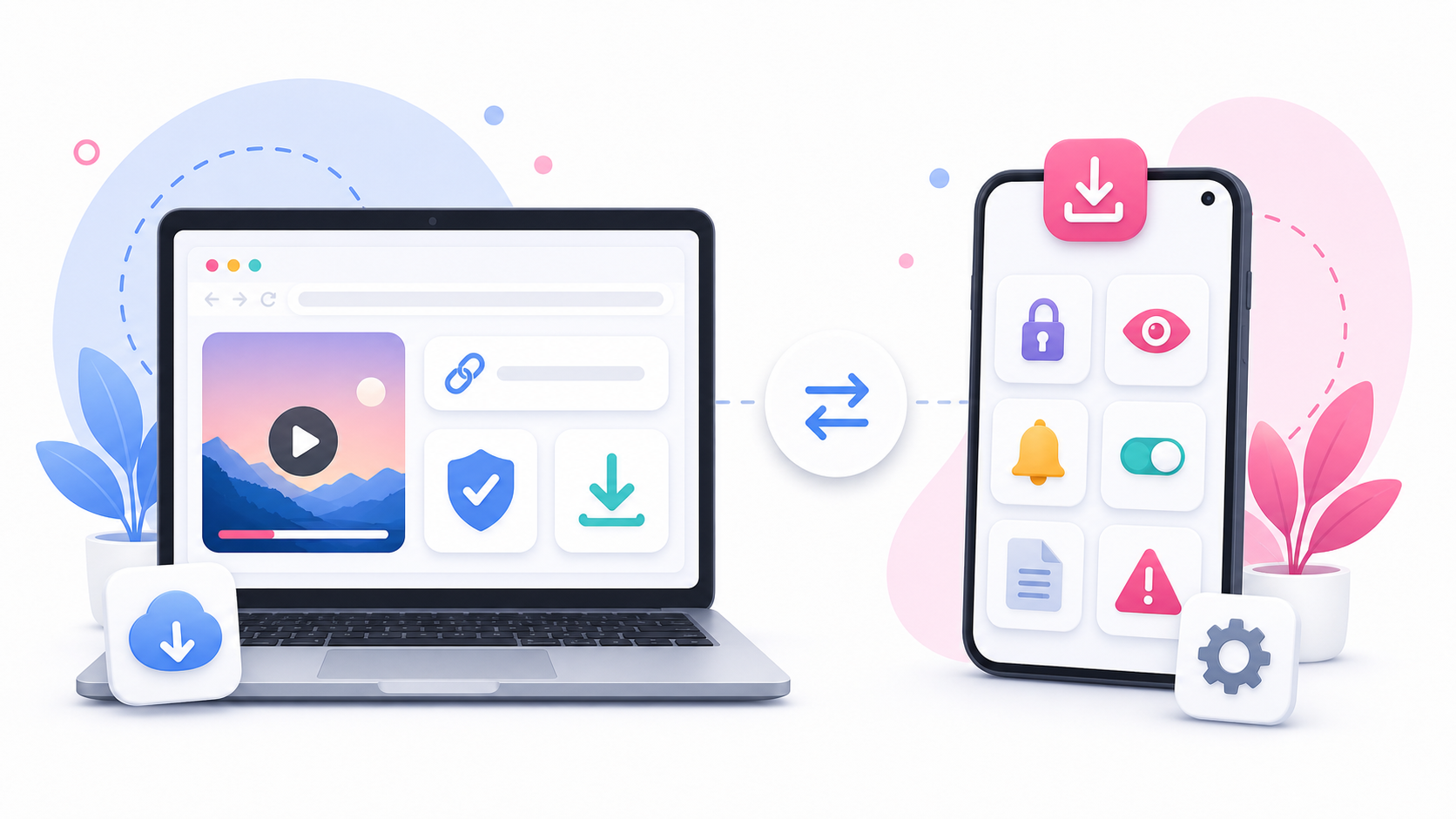
The main difference is simple: Online downloader: works in your browser. Downloader app: must be installed on your device. For many users, the browser option is enough.
Advantages of an Online Downloader
An online downloader is useful because it is quick and lightweight. Benefits include: No installation No app permissions No account creation No Instagram login Works on mobile and desktop Easy to use for one-time downloads Does not take up app storage Accessible from different devices If you only need to download supported public videos sometimes, an online tool is usually more convenient.
Advantages of a Downloader App
A downloader app may be useful for users who need frequent downloads, file management tools, batch workflows, or offline queues. Possible benefits include: Built-in file manager Download history Batch features Mobile shortcuts Background downloads Extra media tools However, these benefits depend on the app. Some apps are cluttered, unreliable, or overly aggressive with ads and permissions.
Safety Considerations
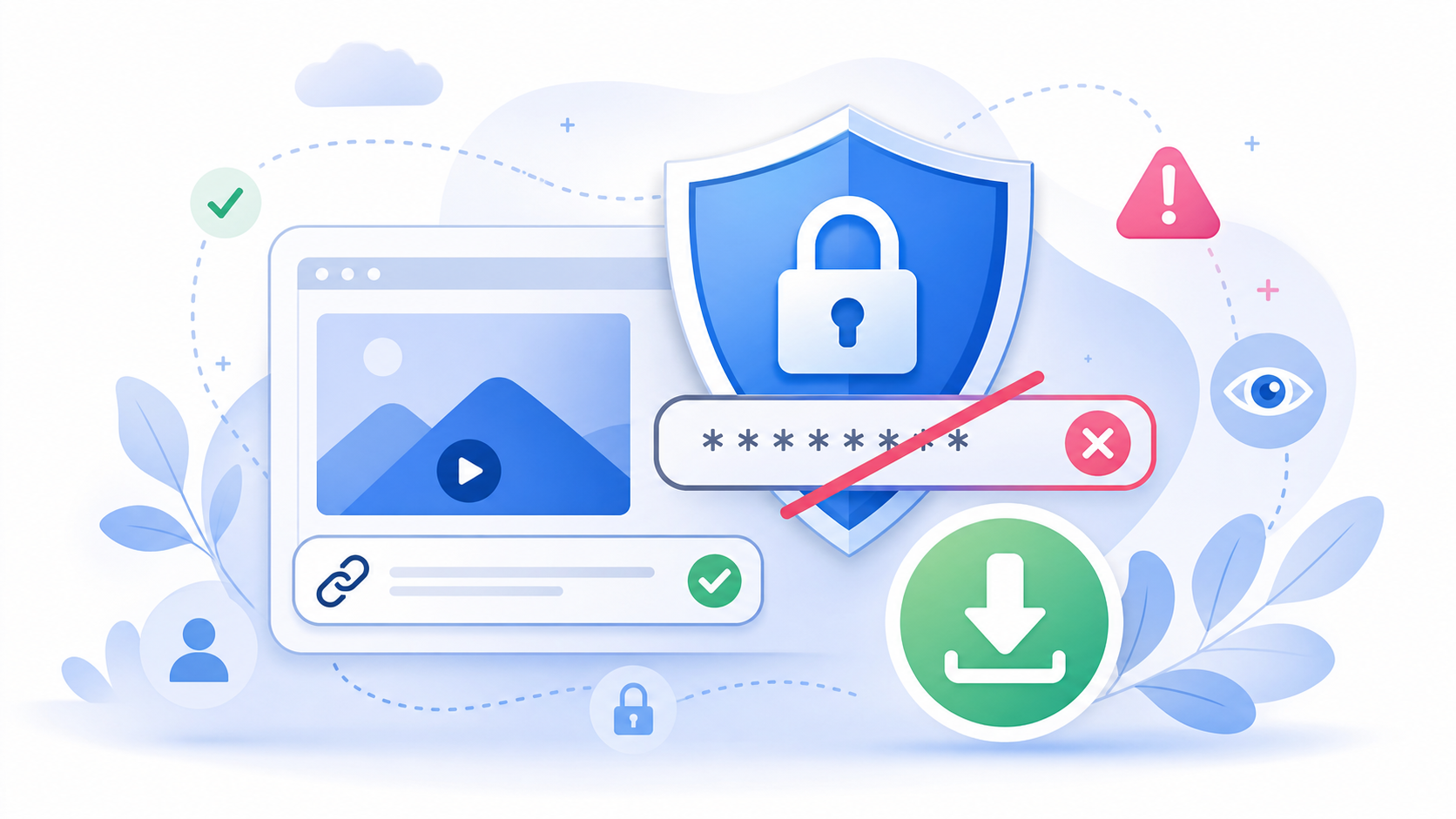
Be careful with any downloader that asks for: Your Instagram password Two-factor authentication codes Access to contacts Access to messages Unknown APK installation Broad storage access Notification spam Suspicious browser extensions A downloader should not need your Instagram password to process public links. SaveReels works with supported public URLs and does not ask for your Instagram login.
Privacy Considerations
Browser-based tools can be more privacy-friendly when they keep the process simple: paste a public link, process the media, download the file. Apps may request device permissions that are not necessary for a simple video download. Always check what an app asks for before installing it. If a tool promises to bypass private profiles or unlock restricted content, treat that as a warning sign. Which Is Better for iPhone? For iPhone users, an online downloader is often easier because it works through Safari or another browser. Downloaded files usually appear in the Files app or browser downloads list. You do not need to install a separate app just to save a supported public MP4. Which Is Better for Android? Android users can use an online downloader through Chrome or another browser. The downloaded MP4 usually appears in Downloads, Files, My Files, or the browser downloads list. An app may be useful for heavy file management, but for simple public Instagram video downloads, the browser is usually enough. Which Is Better for Desktop? On Windows, Mac, and Linux, an online downloader is usually the simplest choice. Copy the Instagram video link, paste it into SaveReels, and download the MP4 to your Downloads folder. No extension or desktop software is required. When to Choose SaveReels Choose SaveReels if you want to: Download a supported public Instagram video Save a public Reel as MP4 Avoid installing apps Avoid Instagram login Use the tool on any device Convert supported public videos to MP3
FAQ
Is an online Instagram downloader safer than an app?
It can be safer if it does not ask for login, installation, or unnecessary permissions.
Do I need to install SaveReels?
No. SaveReels works in your browser.
Can apps download private Instagram videos?
Avoid tools that claim to bypass private accounts. SaveReels supports public links only.
Which option is better for occasional downloads?
An online downloader is usually better for occasional use.
Which option is better for managing many files?
A dedicated file management workflow may help, but you should still avoid unsafe apps and unnecessary permissions.