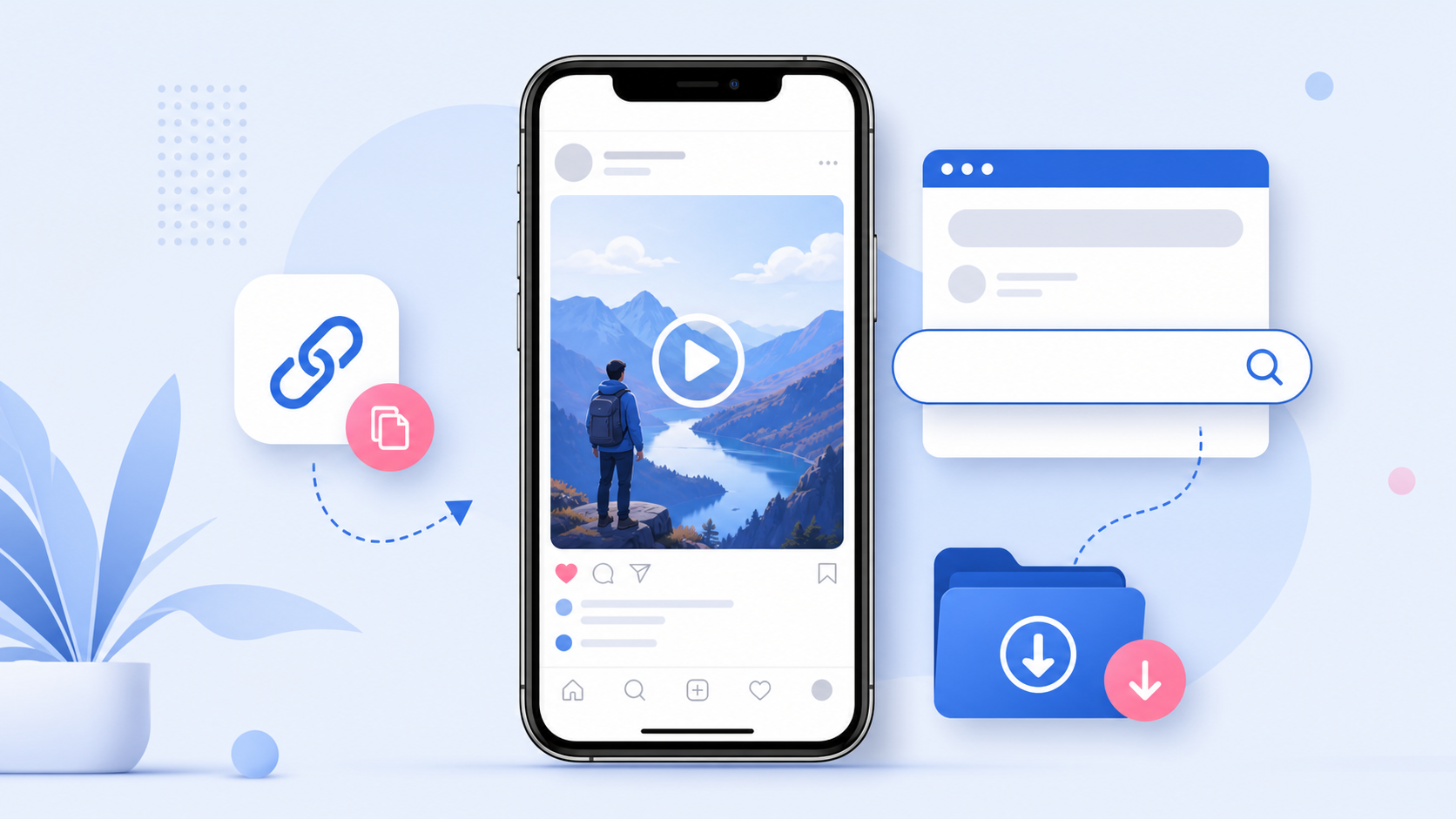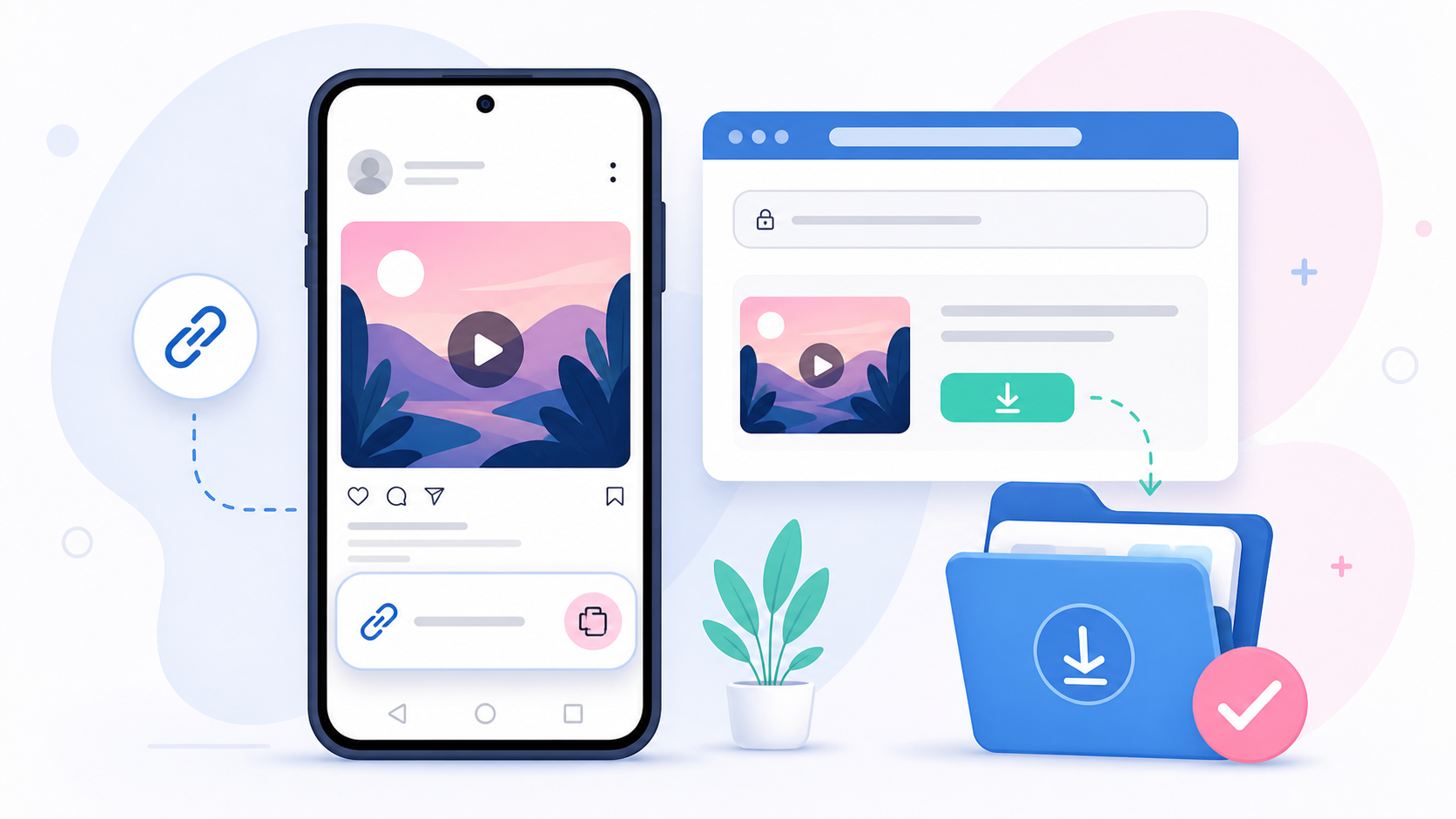
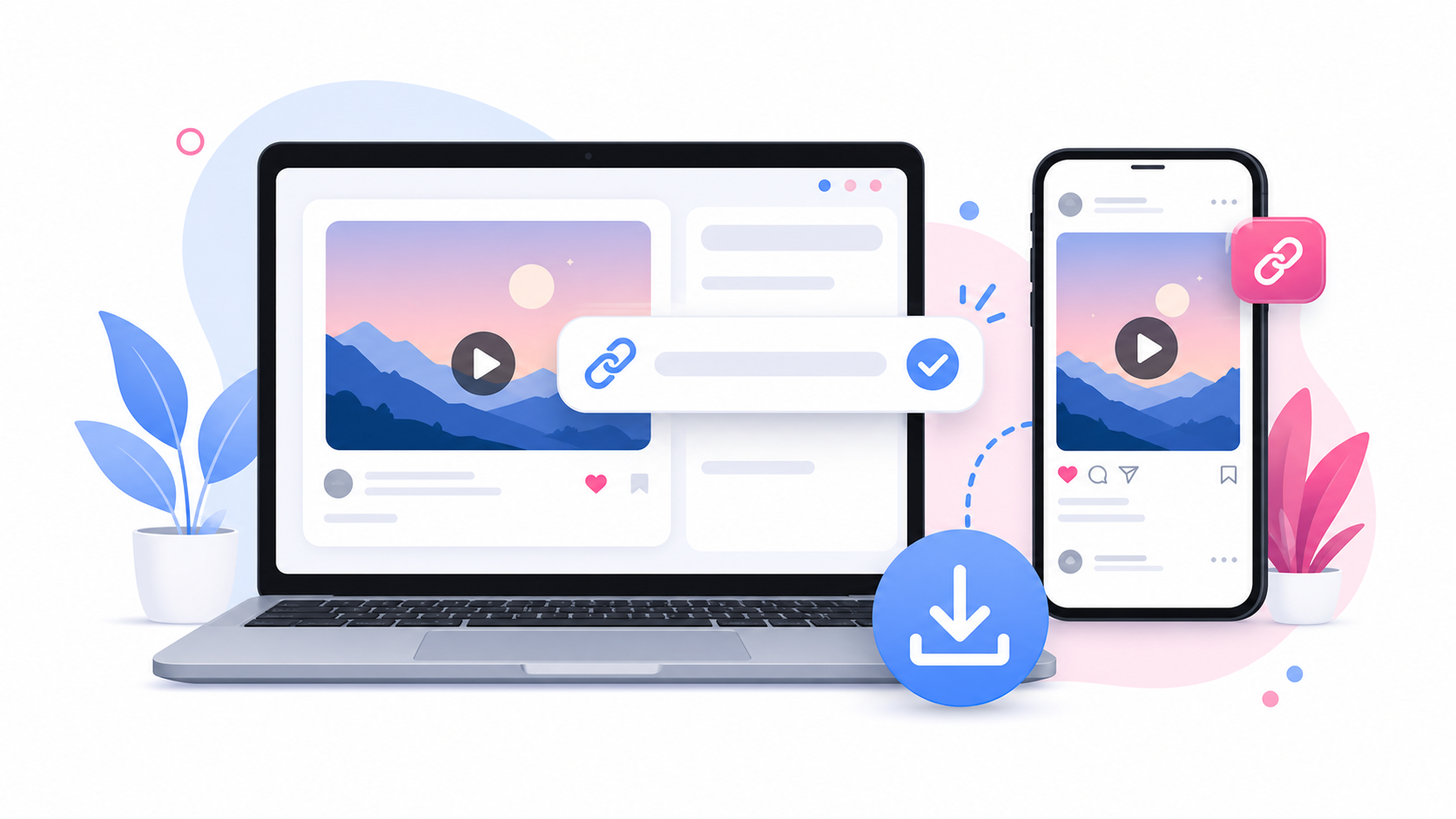
Downloading an Instagram video should not feel complicated. You do not need to install a random app, sign in with your Instagram password, or copy files through confusing workarounds. With SaveReels, you can download supported public Instagram videos and Reels directly from your browser. This guide explains how to download Instagram videos online in MP4 format, which links are supported, what to do if a link does not work, and how to use downloaded videos responsibly.
What You Need Before You Start
To download an Instagram video online, you need three things: A public Instagram video or Reel link A browser on your phone, tablet, or computer A tool such as SaveReels that can process supported public Instagram video URLs SaveReels supports public Instagram Reel URLs and public single-video post URLs. It does not support private posts, Stories, Highlights, image posts, or carousel posts in this version.
Step 1: Copy the Instagram Video Link
Open Instagram and find the video or Reel you want to download. On most devices, you can tap the share icon or three-dot menu near the post and choose the option to copy the link. Once the link is copied, it is saved to your clipboard and ready to paste into the downloader. Make sure the link points directly to a video post or Reel. If the copied link opens a profile, hashtag page, Story, or Explore feed instead of a specific video, the downloader may not be able to process it.
Step 2: Paste the Link Into SaveReels
Go to the Instagram Video Downloader and paste the copied Instagram link into the input field. SaveReels will check the URL and prepare a preview when the public video can be accessed. Previewing the video is useful because it helps you confirm that you are downloading the correct file before saving it to your device. If the preview does not load, double-check that the Instagram link is public and supported.
Step 3: Download the Video as MP4
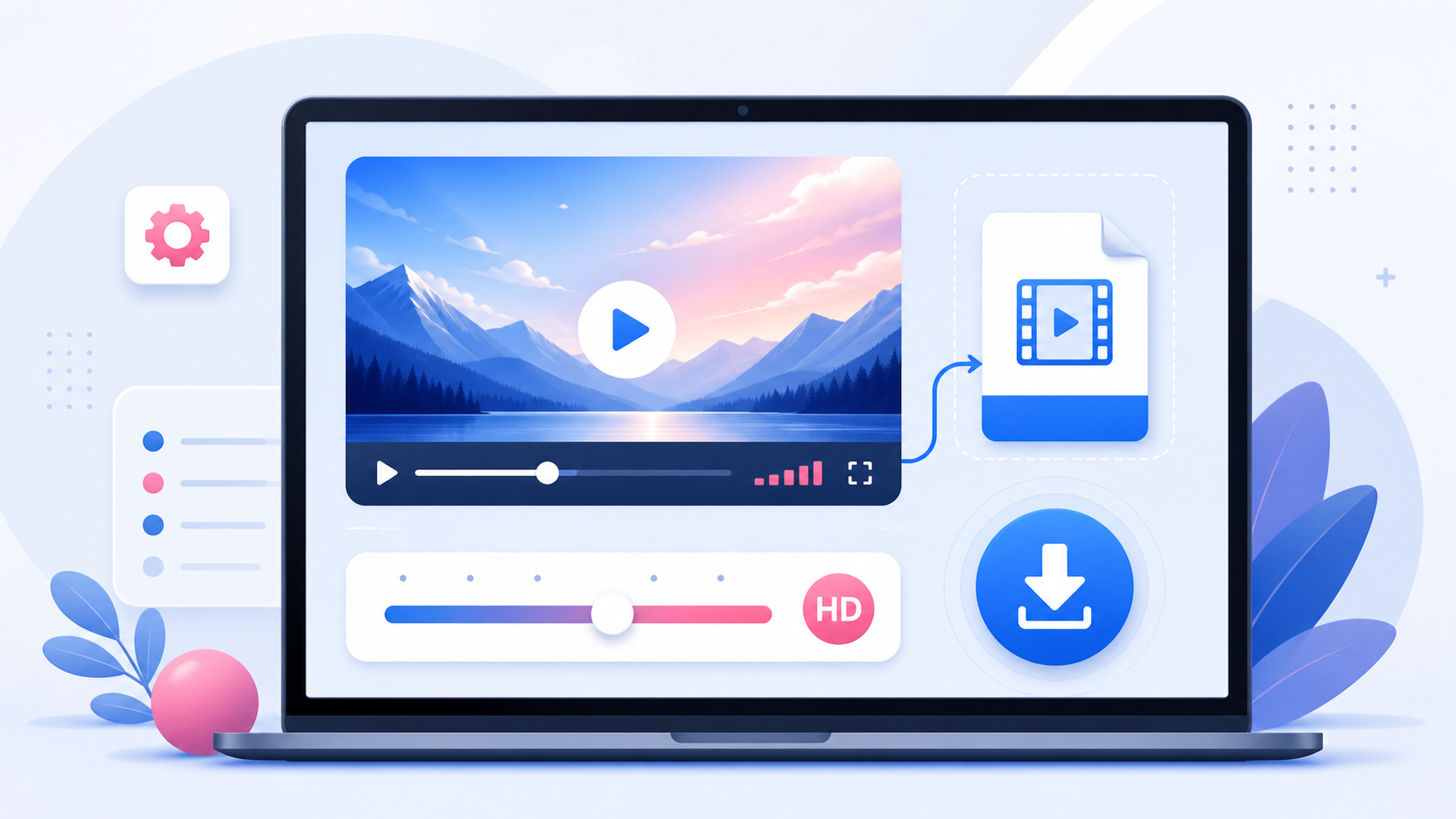
Once the video is ready, choose the MP4 download option. MP4 is one of the most widely supported video formats. It works on iPhone, Android, Windows, macOS, tablets, media players, editing tools, and most browsers. That makes it a practical format for saving public Instagram videos for personal reference, content review, or offline playback.
Can You Download Instagram Reels the Same Way?
Yes. Public Instagram Reels are supported when the Reel URL is accessible. The process is the same: Copy the public Reel link. Paste it into SaveReels. Preview the video. Download the Reel as MP4. If you want only the audio from a supported Reel or video, use the Instagram to MP3 Downloader.
Which Instagram Links Are Supported?
SaveReels supports:
Public Instagram Reel links
Public single-video post links
SaveReels does not currently support: Private Instagram videos Instagram Stories Instagram Highlights Image posts Carousel posts Restricted or deleted content Links that require login to view This matters because an online downloader can only process content that is publicly accessible through a supported URL.
Why Download Instagram Videos Online Instead of Using an
App?
An online downloader is often easier than installing an app because it works directly in your browser. You do not need to create an account, give access to your phone storage beyond the normal browser download process, or install extensions you may only use once. Browser-based tools are especially useful when you need a quick download on a shared computer, a work device, or a phone with limited storage.
Common Problems and Quick Fixes
If your Instagram video link is not working, try these checks: Make sure the post is public. Make sure the link opens a specific video or Reel. Avoid profile, hashtag, Explore, Story, or carousel links. Copy the link again from Instagram. Refresh SaveReels and paste the link again. Try another browser if your browser blocks downloads. Wait a few minutes and retry if Instagram temporarily restricts media access. Most failed downloads are caused by private content, unsupported post types, deleted posts, or copied links that do not point directly to a video.
Responsible Use
Only download Instagram videos that you own, have permission to use, or are allowed to save for personal reference. Downloading a video does not give you the right to repost, sell, edit, or redistribute someone else’s content. If you want to reuse a creator’s video publicly, ask for permission first and give proper credit where required.
FAQ
Can I download Instagram videos without logging in?
Yes. SaveReels does not ask for your Instagram login. It works with supported public Instagram video and Reel links.
Can I download private Instagram videos?
No. Private videos and posts that require login are not supported.
What format will I get?
Supported videos can be downloaded as MP4. For audio-only downloads, use the Instagram to MP3 Downloader.
Is the video downloaded in HD?
SaveReels provides the best available public MP4 quality it can retrieve from the source post. The final quality depends on the original video and what Instagram makes available.
Does SaveReels add a watermark?
No. SaveReels does not add its own watermark. If the original video already contains branding, captions, overlays, or watermarks, they will remain in the downloaded file.
Final Tip
For the fastest result, copy the direct Instagram video or Reel link, paste it into SaveReels, preview the file, and download it as MP4. If the link is public and supported, the process usually takes only a few steps.