Instagram Reels are built around sound. A Reel may include a voiceover, original audio, music, a remix, a sound effect, or a spoken clip. Sometimes you may want to save the audio separately as an MP3 for personal reference, editing notes, or your own content archive. With SaveReels, you can extract MP3 audio from supported public Instagram Reel links using the Instagram to MP3 Downloader.
What Is Instagram Reel Audio?
Instagram Reel audio is the sound track attached to a Reel. It may be: The creator’s original voice Background music A trending sound A sound effect A podcast-style clip A remix or edited audio track Audio recorded directly in the video When you download Reel audio as MP3, you save the audio track separately from the video.
Why Download Reel Audio as MP3?
An MP3 file is useful when you only need sound. Creators, editors, and social media teams may use MP3 downloads for: Saving their own Reel voiceovers Reviewing audio ideas offline Building a private inspiration folder Preparing editing notes Archiving approved campaign examples Listening to spoken content without video If you need the visuals too, download the Reel as MP4 from the Instagram Video Downloader.
Step 1: Copy the Public Reel Link
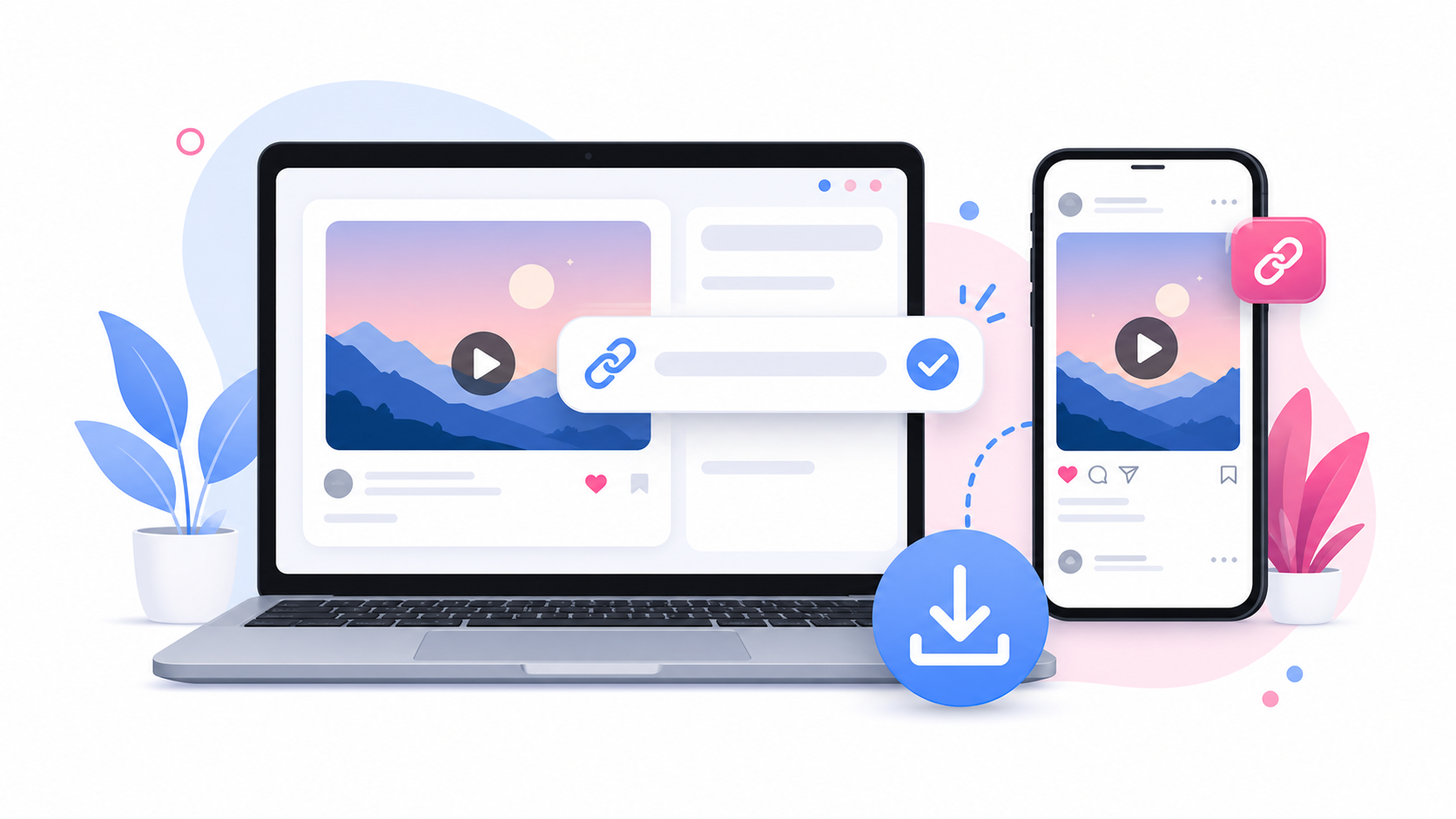
Open Instagram and find the Reel you want to use. Tap the share icon or menu and copy the Reel link. Make sure the Reel is public. If the Reel is private, restricted, deleted, or only visible after login, SaveReels cannot process it.
Step 2: Open the Instagram to MP3 Downloader
Go to the Instagram to MP3 Downloader. Paste the copied Reel link into the input field. The tool will check whether the Reel is public and supported.
Step 3: Preview the Reel
Before downloading, preview the media to make sure it is the correct Reel. This step is helpful when you copied several links or saved a Reel URL from a message, note, or browser tab.
Step 4: Download the Audio as MP3
Choose the MP3 download option. The file will download through your browser. On iPhone, check the Files app or Safari downloads. On Android, check Files, My Files, Downloads, or your browser’s download list. On desktop, check your default Downloads folder.
Reel Audio vs Full Reel Video
Choose MP3 when you need audio only. Choose MP4 when you need the full video. Here is a simple way to decide: Need the sound? Use MP3. Need the video and sound? Use MP4. Need to study visual editing? Use MP4. Need to listen to a voiceover? Use MP3. Need a backup of your own Reel? MP4 may be better.
Can You Download Trending Reel Sounds?
You can extract audio from supported public Reel links, but you are responsible for how you use the file. Trending sounds, music, and creator audio may be protected by copyright or platform rules. Downloading audio for personal reference is different from reusing it publicly in another video. Always check whether you have permission before publishing content that includes someone else’s audio.
Why Reel Audio Might Not Download
Reel audio may fail to download if:
The Reel is private The link is not a direct Reel URL The Reel was deleted The content is restricted The source has no accessible audio Instagram temporarily limits media access Your browser blocks the file Try copying the link again and confirm that the Reel opens publicly in a browser.
Can You Download Audio from Private Reels?
No. SaveReels does not download or convert private Reels. It only works with supported public Reel and video links. If you need audio from a private Reel, ask the owner to share the original file or audio with you.
Responsible Use for Creators
If the Reel is yours, downloading the audio can be useful for backup and editing. If the Reel belongs to someone else, get permission before reusing the sound publicly. This is especially important for branded content, music, voiceovers, interviews, paid campaigns, and creator collaborations.
FAQ
Can I download Instagram Reel audio without login?
Yes. SaveReels works with supported public Reel links and does not ask for Instagram login.
What format will the audio be?
The audio can be downloaded as MP3.
Can I download the Reel video too?
Yes. Use the main Instagram Video Downloader to save supported public Reels as MP4.
Why is my Reel audio not available?
The Reel may be private, restricted, deleted, unsupported, or have no accessible audio.
Can I reuse downloaded Reel audio in my own video?
Only if you own the audio, have permission, or are legally allowed to use it.