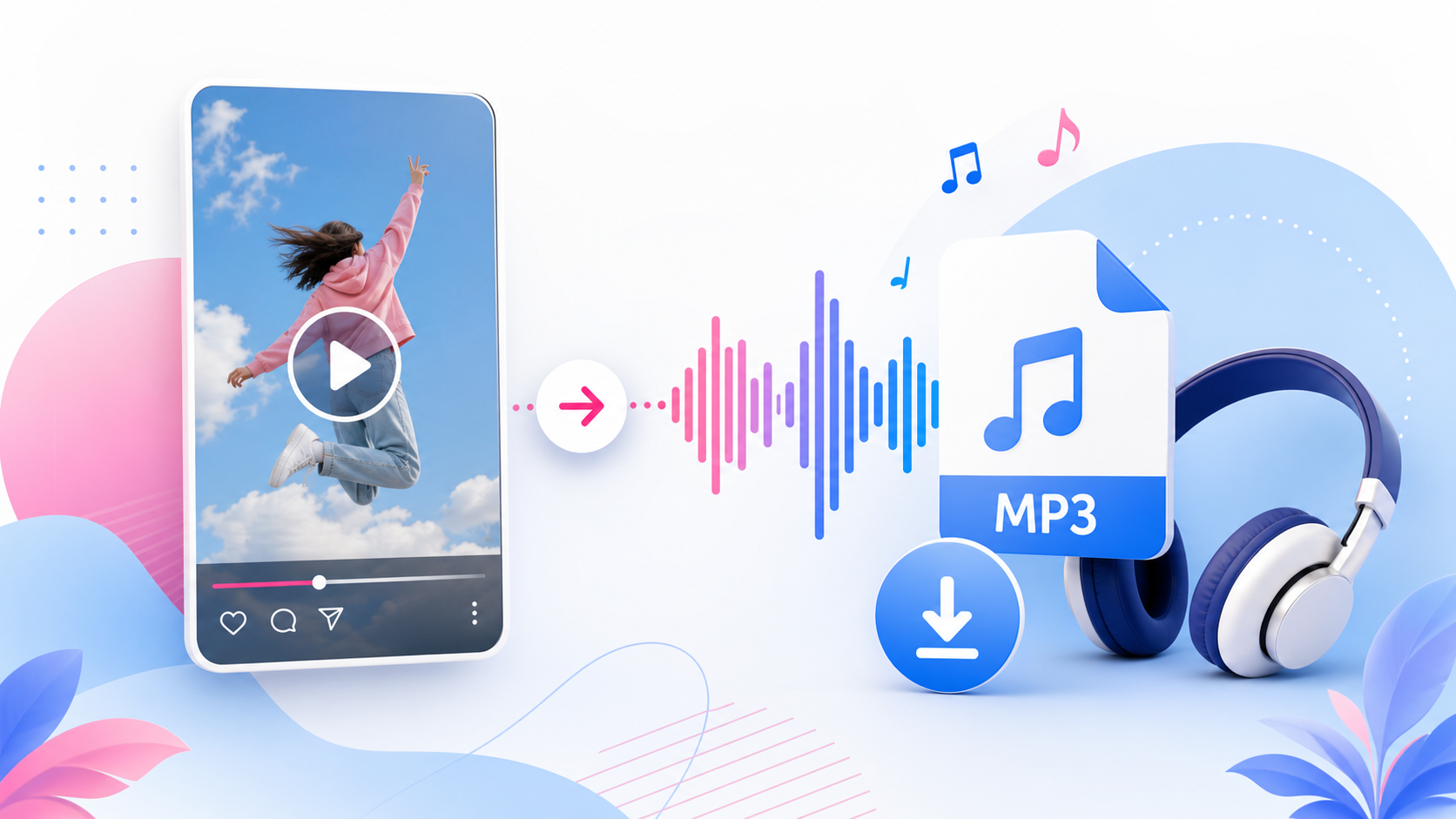
Sometimes you do not need the full Instagram video. You only need the audio. Maybe it is your own Reel voiceover, a sound idea for editing, a spoken clip, or a reference you want to listen to later. SaveReels includes an Instagram to MP3 Downloader that helps you extract audio from supported public Instagram videos and Reels. This guide explains how it works, which links are supported, and how to use MP3 downloads responsibly.
What Does Instagram to MP3 Mean?
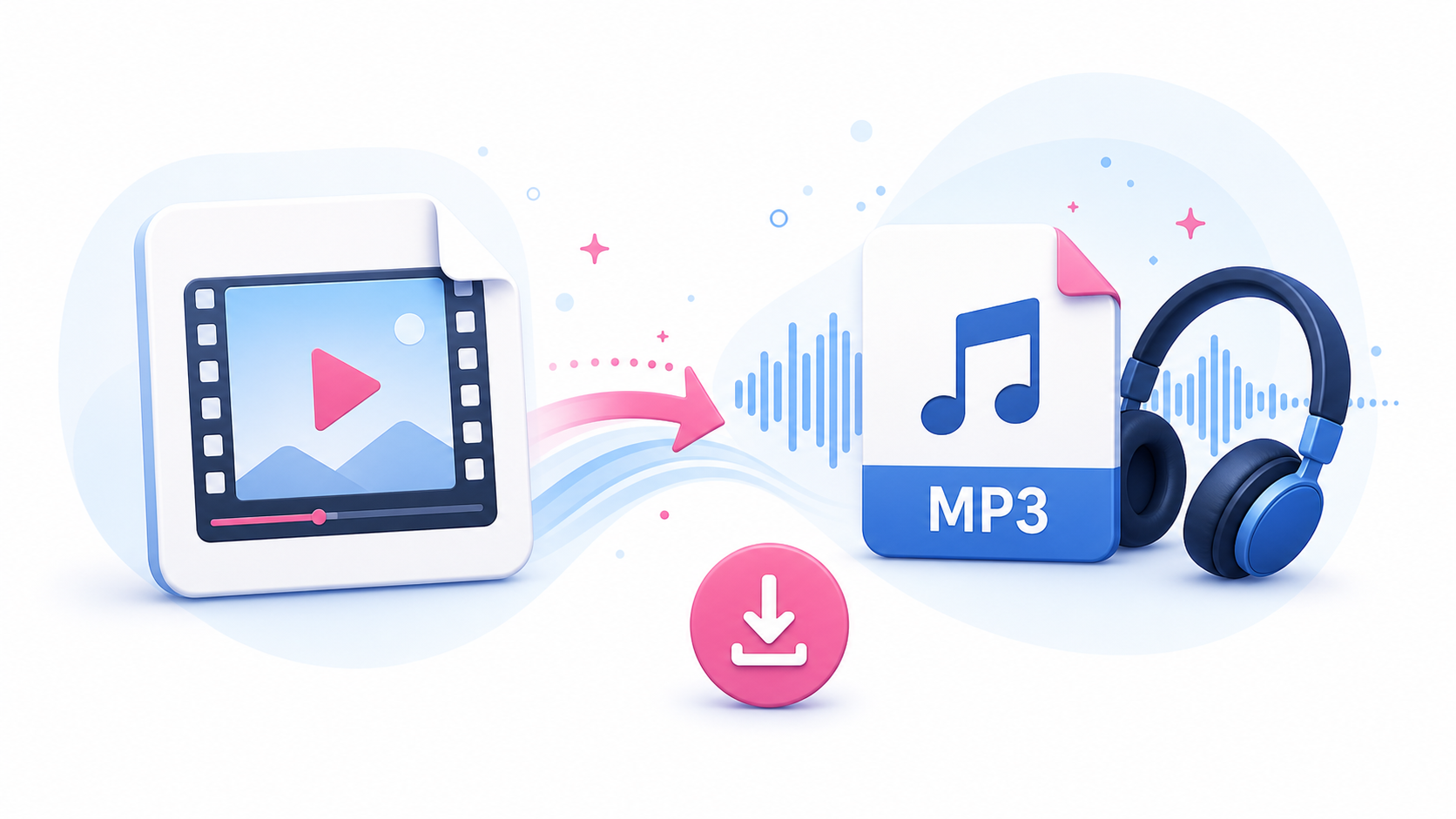
Instagram to MP3 means converting the audio track from a supported public Instagram video or Reel into an MP3 file. MP3 is an audio format that works on most devices, music players, editing tools, note apps, and browsers. It is useful when you want the sound without the video.
When Should You Use MP3 Instead of MP4?
Use MP3 when you only need audio. For example: Saving your own Reel voiceover Keeping an audio reference for editing Reviewing spoken content offline Collecting sound ideas for personal organization Extracting audio from a public video you have permission to use Use MP4 when you need the full video with visuals.
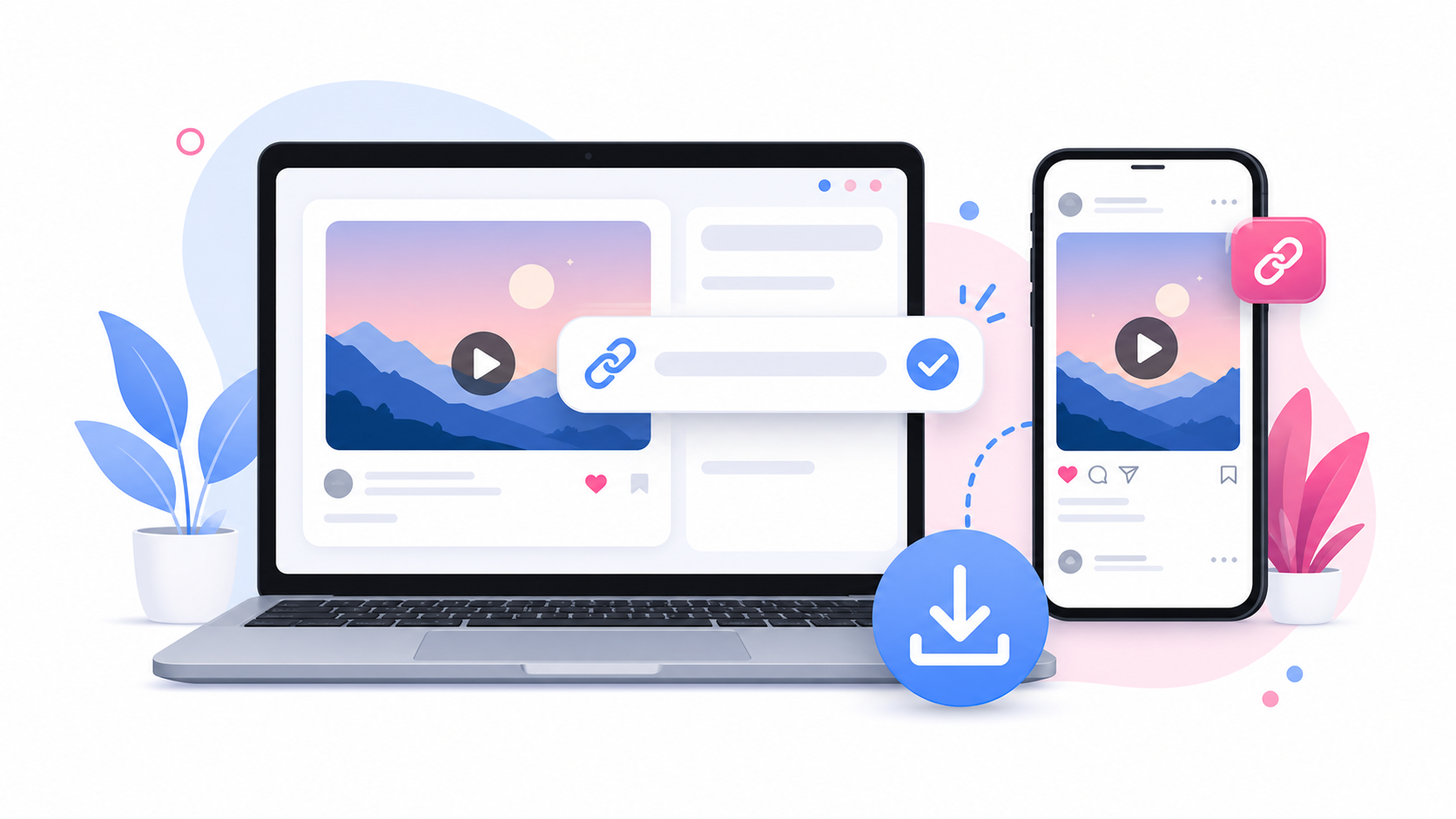
Step 1: Copy the Instagram Video Link
Open Instagram and copy the link to the public video or Reel. The link must point to a supported public video. SaveReels does not support private content, Stories, Highlights, image posts, or carousel posts in this version.
Step 2: Open the Instagram to MP3 Tool
Go to the Instagram to MP3 Downloader. Paste the copied Instagram link into the input field. The tool will check the URL and prepare a preview when the public video is accessible and supported.
Step 3: Preview the Media
Before downloading, confirm that the preview matches the video or Reel you intended to convert. Previewing helps prevent mistakes, especially when you copied a link from a chat, saved note, or shared post.
Step 4: Download the MP3 File
Choose the MP3 download option. The audio file will be saved through your browser. On desktop, it usually appears in your Downloads folder. On iPhone, check the Files app. On Android, check Files, My Files, Downloads, or your browser’s downloads section.
What Affects MP3 Quality?
The final MP3 quality depends on the source audio. If the original Instagram video has clear sound, the MP3 should be more useful. If the original audio is noisy, low-volume, distorted, or compressed, the MP3 will reflect that. A converter cannot fully repair poor source audio. It can only extract and prepare the audio available from the supported public video.
Can You Convert Instagram Reels to MP3?
Yes. Supported public Reel links can be converted to MP3 through the Instagram to MP3 Downloader. This is especially useful for creators who want to save their own audio, organize sound ideas, or keep a reference file for editing.
Can You Convert Private Instagram Videos to MP3?
No. SaveReels does not convert private videos, restricted posts, or content that requires login. The tool works only with supported public Instagram video and Reel links. If you need audio from a private video, ask the owner to send you the original file or audio directly.
Responsible Use of Instagram Audio
Audio can be protected by copyright, music licenses, creator rights, or platform rules. Downloading an MP3 does not automatically give you permission to reuse the sound publicly. Before reposting, remixing, selling, or publishing downloaded audio, make sure you have the right to use it.
Common MP3 Conversion Problems
If your Instagram link does not convert, check:
Is the post public?
Is the link a video or Reel?
Did you copy the direct post URL?
Is the post deleted or restricted?
Is your browser blocking the download?
Does the video actually contain audio?
If the source video has no audio, the MP3 may be empty or unavailable.
FAQ
Can I convert Instagram videos to MP3 without login?
Yes. SaveReels works with supported public links and does not ask for Instagram login.
Can I download only the audio from a Reel?
Yes, supported public Reel links can be converted to MP3.
Does MP3 include the video?
No. MP3 is audio only. Use MP4 if you need the video.
Why is my MP3 silent?
The source video may have no audio, muted audio, or restricted audio access.
Can I use the MP3 in my own video?
Only if you own the audio, have permission, or are otherwise allowed to use it.