Your own Instagram videos are valuable. They may be part of your portfolio, business, campaign, content calendar, or personal archive. If you lose the original file, downloading your public Instagram video can help you keep a backup. This guide explains how to download your own Instagram videos and Reels, when to use the original file instead, and how to organize your saved content.
Why Download Your Own Instagram Videos?
Creators and social media teams often need old videos for: Backups Reposting plans Portfolio updates Editing references Campaign reports Client approvals Content audits Short-form video analysis Archiving successful posts If a video performed well, saving a copy can help you study it later.
Use the Original File When Possible
The best version of your video is usually the original file from your camera, phone, editing app, or cloud storage. Why? The original file may have higher quality than the version uploaded to Instagram. Social platforms often compress videos, which can reduce quality. If you still have the original export, use that for editing, republishing, or client delivery. Use SaveReels when you need a quick browser-based copy from a supported public Instagram link.
Step 1: Open Your Public Instagram Video or Reel
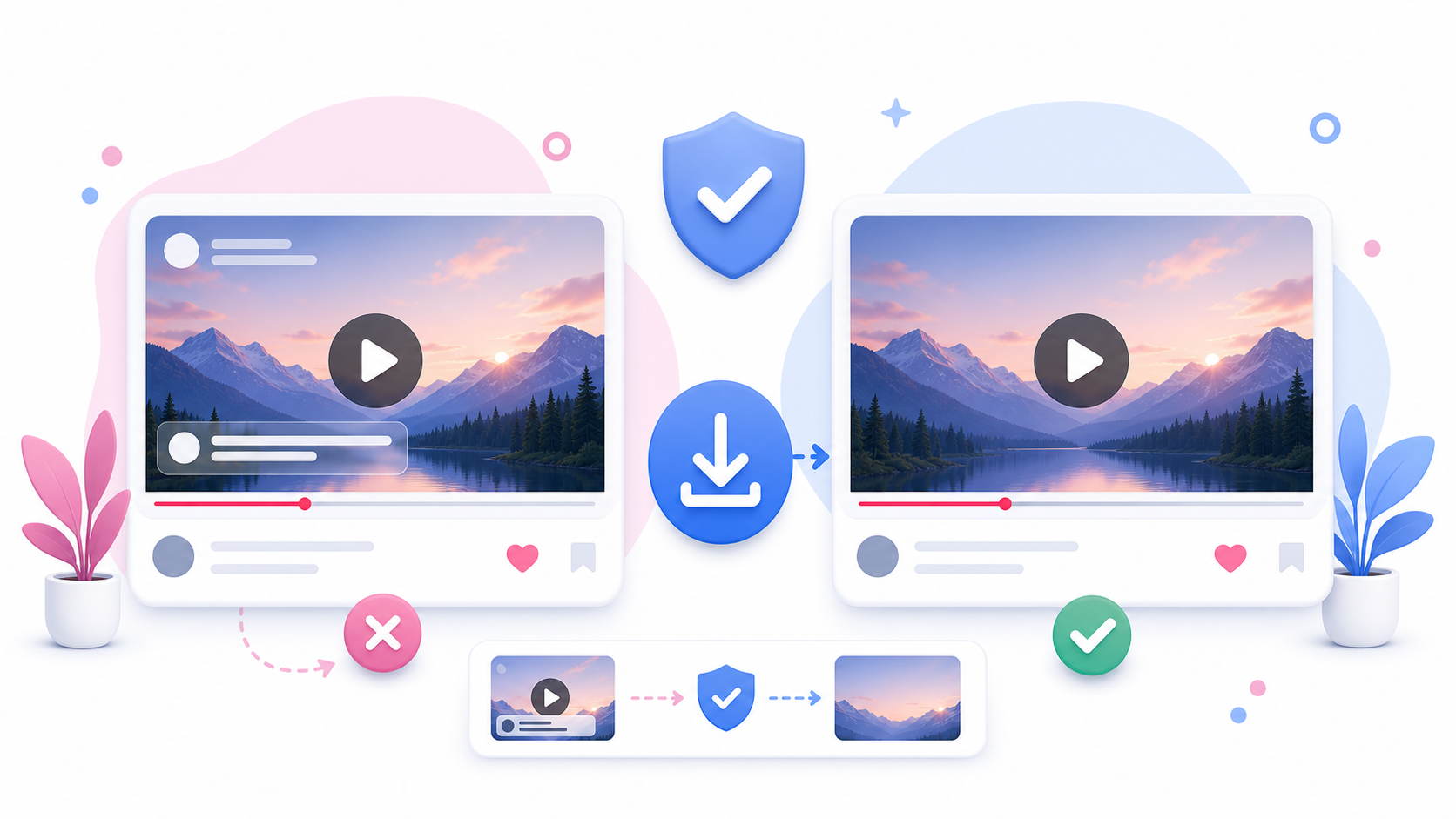
Go to your Instagram profile and open the video or Reel you want to download. Make sure the post is public if you want to use SaveReels. The tool works with supported public video and Reel links only. If your account is private, SaveReels will not be able to process the post as a public URL.
Step 2: Copy the Video Link
Tap the share icon or menu on the post and copy the link. On desktop, you can open the post in your browser and copy the URL from the address bar. The link should point directly to a Reel or single-video post.
Step 3: Paste the Link Into SaveReels
Open the Instagram Video Downloader and paste your copied link into the input field. SaveReels will check the URL and prepare a preview when the public video is supported. Preview the video to make sure it is the correct post.
Step 4: Download the MP4
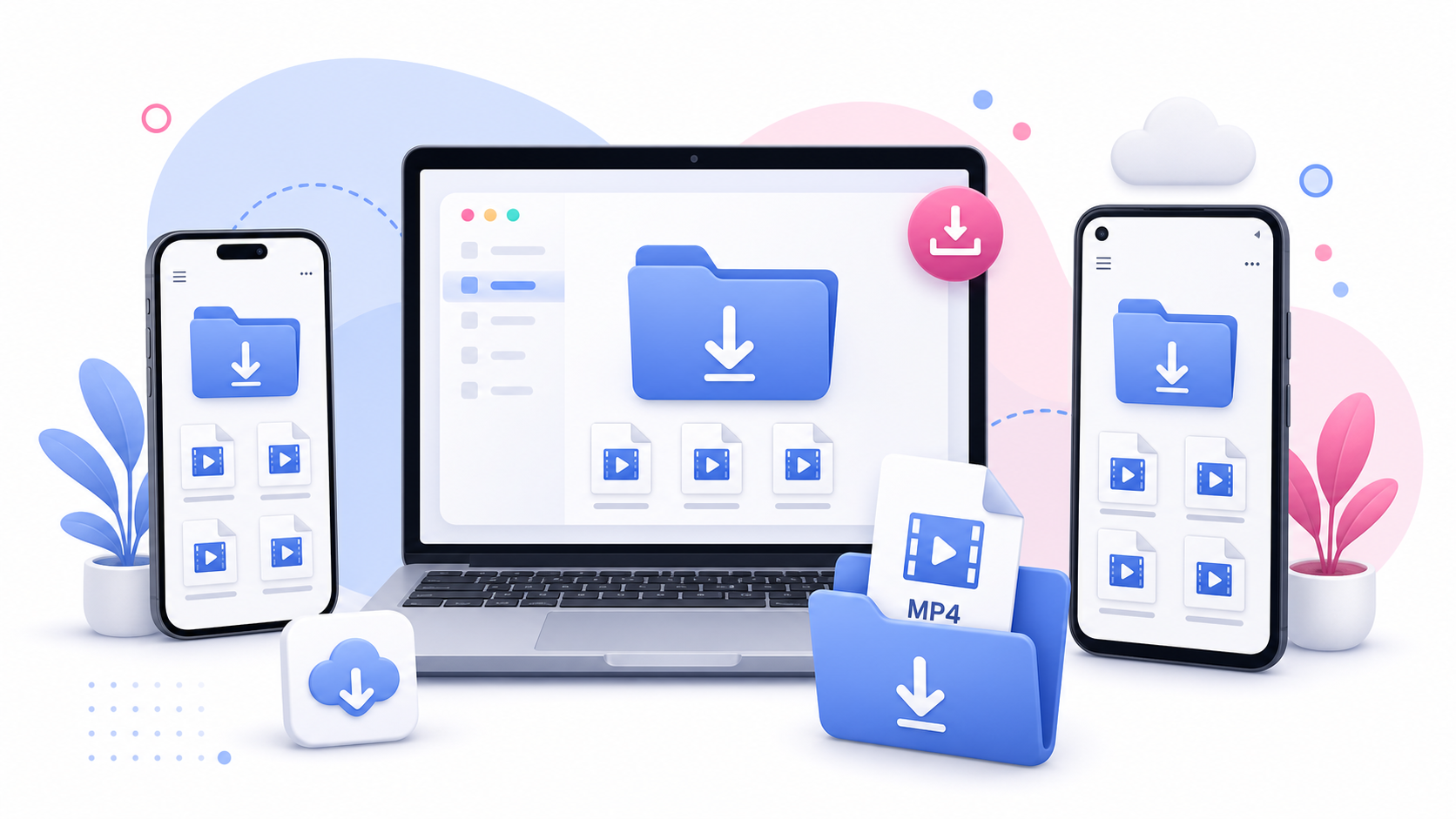
Download the video as MP4. After downloading, rename the file so you can find it later. A useful naming format might be: brand-reel-product-demo-2026.mp4 my-reel-travel-recap-july.mp4 client-campaign-video-01.mp4 Good file names save time when your archive grows.
Can You Download Your Own Reel Audio?
Yes. If you only need the audio from your own supported public Reel or video, use the Instagram to MP3 Downloader. This can be helpful for voiceover backups, podcast-style clips, or sound references.
What If Your Own Video Is Private?
If your post is private, SaveReels cannot download it. Use your original file from your phone, editing app, or cloud storage instead. You may also choose to make the post public temporarily, but only do that if it fits your privacy and content strategy. Do not make private content public just to download it if it includes other people, sensitive moments, or restricted campaign material.
How to Organize Your Downloaded Videos
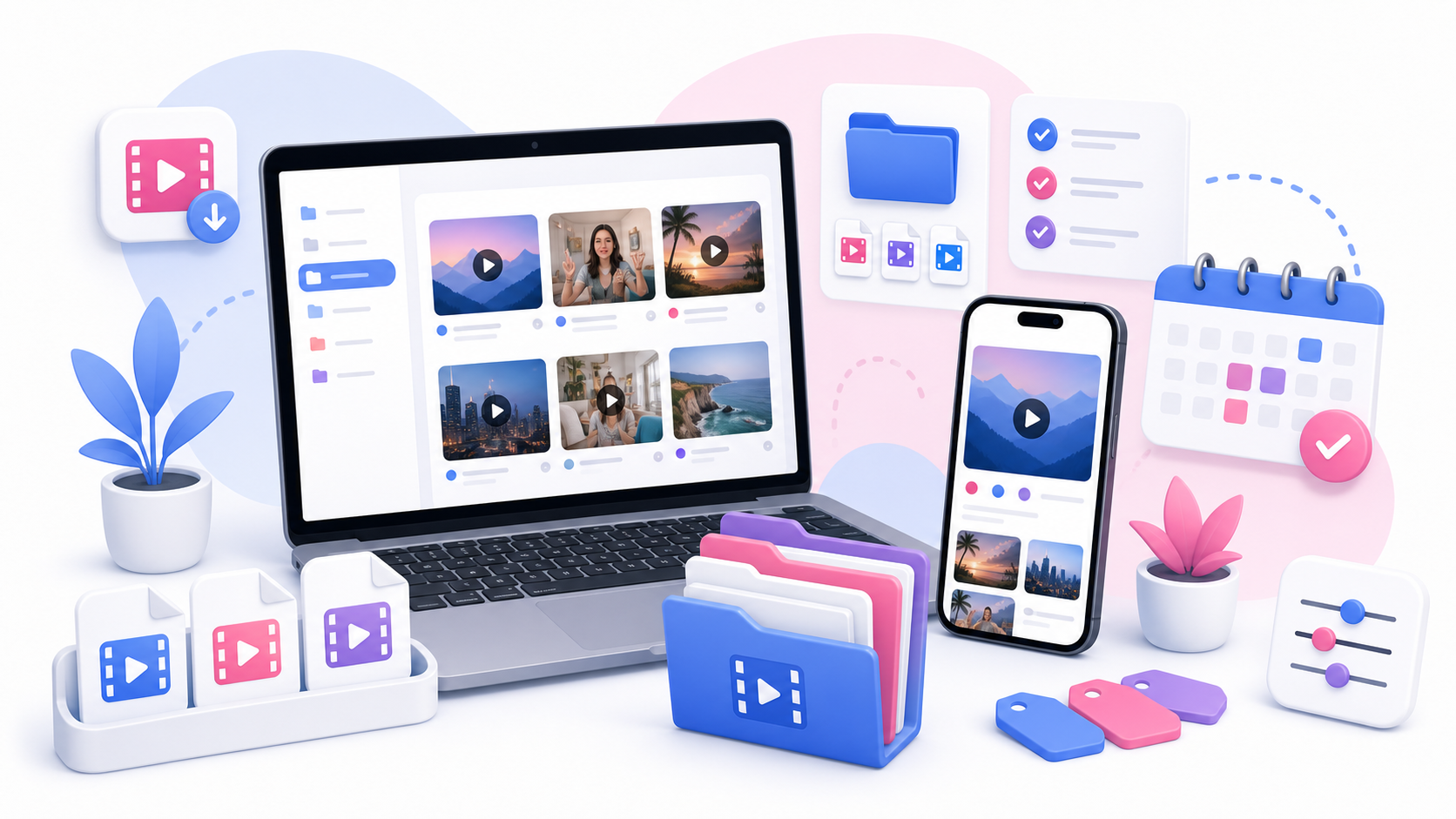
Create folders based on how you work. For creators: Reels Backups Best Performing Videos Voiceovers Draft Ideas Portfolio Clips For agencies: Client Name Campaign Name Approved Posts Reports References For personal use: Travel Fitness Family Tutorials Favorites Add dates to file names when possible. When to Download Your Own Videos Good times to download your own content: After posting a final version Before deleting or archiving a post Before changing accounts or devices Before closing a campaign Before handing off work to a client When building a portfolio When reviewing past performance Responsible Use Even With Your Own Content Even if the video is yours, check whether it includes third-party assets such as music, stock footage, brand logos, paid partnership materials, or people who gave permission for only one specific use. Owning the video file does not always mean you own every element inside it.
FAQ
Can I download my own Instagram videos with SaveReels?
Yes, if the video is public and uses a supported Reel or single-video post URL.
Can I download my own private Instagram videos?
Not with SaveReels. Use your original file instead.
Is the downloaded file the same quality as the original?
Not always. The original export may be higher quality than the version available from Instagram.
Can I download my own Reel audio as MP3?
Yes, use the Instagram to MP3 Downloader for supported public video links.
Should I keep backups of my Instagram videos?
Yes. Keeping organized backups helps protect your content and makes future editing easier.