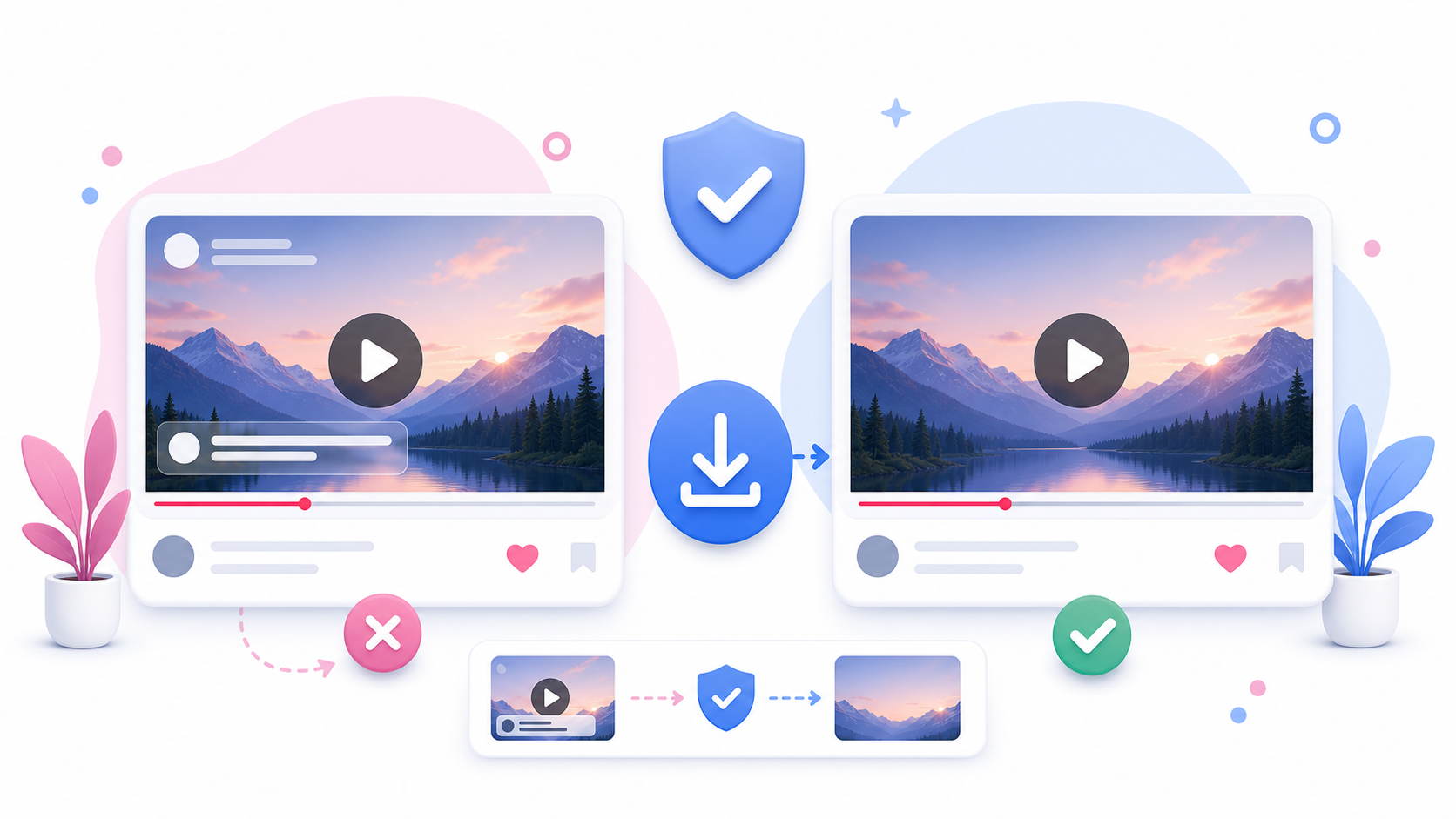
Many people search for an Instagram video downloader without watermark. But “without watermark” can mean different things depending on the video and the tool. SaveReels does not add its own watermark to downloaded files. However, if the original Instagram video already includes visible text, creator branding, captions, stickers, logos, or overlays, those elements are part of the video and will remain. This guide explains what watermark-free downloading really means.
What Is a Watermark?
A watermark is a visible mark, logo, username, text overlay, or branding element added to a video. Watermarks can be added by: The original creator An editing app A social platform A reposting tool A downloader A brand or agency Some watermarks are separate overlays. Others are already burned into the video file.
Does SaveReels Add a Watermark?
No. SaveReels does not add its own watermark to supported public Instagram video downloads. If you download a supported public video as MP4, SaveReels does not place a SaveReels logo or extra branding on top of the video.
Why Some Videos Still Show Branding
If the original video already contains branding, that branding will remain in the downloaded file. For example, the video may include: Creator username text Captions Stickers Brand logos Edited-in labels App export marks Watermarks from previous platforms Text overlays added before upload SaveReels cannot remove visual elements that are already part of the video.
No Extra Watermark vs Removing a Watermark
These are not the same. No extra watermark means the downloader does not add new branding. Removing a watermark means editing the video to erase or cover an existing mark. SaveReels does not remove existing watermarks, logos, creator names, or branding from videos. This is important because removing someone else’s watermark can also create copyright, attribution, or ethical issues.
What About Creator Credit?
Even if a downloaded video has no visible watermark, the creator still may own the content. A clean file does not mean the video is free to repost or reuse. If you want to publish someone else’s video, ask for permission and give credit where appropriate.
When Watermark-Free Downloads Are Useful
A no-extra-watermark download can be useful for: Backing up your own videos Reviewing your own public Reels Saving approved campaign files Studying public video examples privately Keeping clean references for content planning Archiving videos you have permission to use The key is permission and responsible use.
Can You Remove a Watermark from an Instagram Video?
SaveReels does not offer watermark removal. If a watermark belongs to the original creator, brand, or platform, removing it may be inappropriate or unauthorized. If the watermark is from your own editing app and you own the content, use your original project file or export a clean version from your editor. The best clean version is usually the original file before it was uploaded or reposted.
Why Original Files Are Better for Your Own Content
If the video is yours, try to find the original export from your camera roll, editing app, or cloud storage. That file may have better quality and fewer overlays than the version available on Instagram. Use SaveReels as a quick backup option for supported public posts, not as a replacement for your original content archive.
How to Download Without Extra Watermark
To download a supported public Instagram video without SaveReels adding extra branding: Copy the public video or Reel link. Open the Instagram Video Downloader. Paste the URL. Preview the video. Download the MP4 file. The downloaded file will reflect the source video that is available.
FAQ
Does SaveReels add a watermark?
No. SaveReels does not add its own watermark.
Can SaveReels remove existing watermarks?
No. SaveReels does not remove watermarks, logos, captions, or overlays already present in the video.
Why does my downloaded video still have text on it?
That text was likely part of the original video.
Can I repost a video if it has no watermark?
Only if you have the right or permission to repost it.
What is the best way to get a clean version of my own video?
Use the original file from your phone, editing app, or cloud storage.