Downloading Instagram videos is only useful if you can find them later. Without a simple system, your Downloads folder quickly becomes a mess of random MP4 files with unclear names. This guide shows how creators, editors, marketers, and social teams can organize downloaded Instagram videos for content planning, research, and review.
Why Organization Matters
Downloaded videos can help with: Content inspiration Editing references Campaign planning Competitor research Trend monitoring Client reporting Creative briefs Personal archives Backup copies of your own videos But only if you know where each file is and why you saved it.
Start With Clear Folders
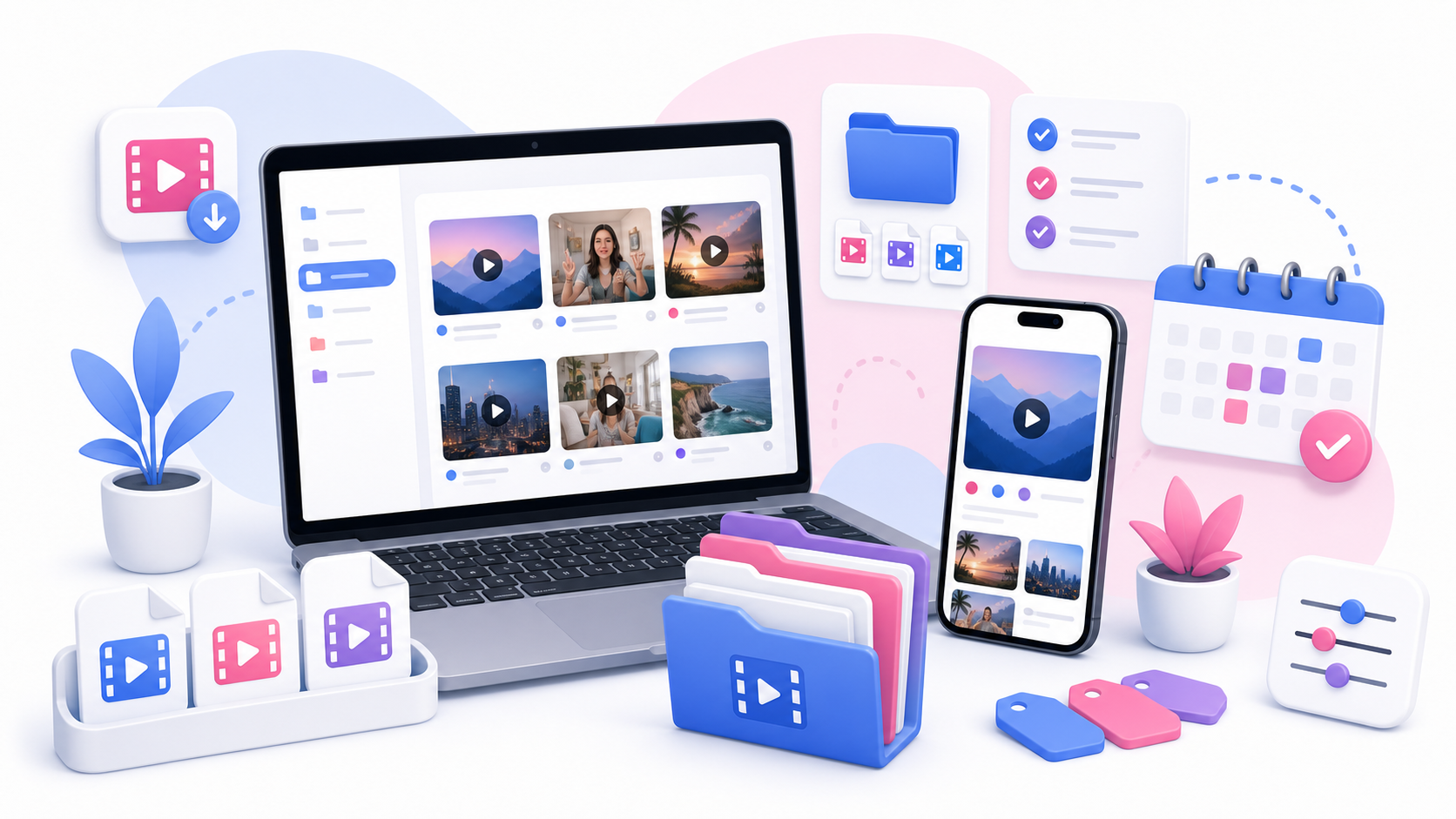
Create a main folder for Instagram video downloads. Examples: Instagram Video Library Reels References Content Planning Social Video Archive Campaign Video Research Inside that main folder, create subfolders based on your workflow.
Folder Structure for Creators
Creators may use folders like: My Published Reels Draft Ideas Hook Examples Transitions Voiceover Ideas Editing References Best Performing Posts Audio References This makes it easier to find inspiration when planning new content.
Folder Structure for Social Teams
Agencies and social teams may need a more campaign-focused structure: Client Name Campaign Name Approved Posts Competitor Examples Creator References Monthly Reports Paid Social References UGC Examples Keep client content separate to avoid confusion.
Use Better File Names
Default file names are often hard to understand. Rename downloaded videos as soon as possible. A good format: date-topic-source-purpose.mp4 Examples: 2026-07-product-demo-hook-reference.mp4 2026-07-travel-reel-transition-idea.mp4 2026-07-client-campaign-approved-video.mp4 2026-07-fitness-reel-caption-style.mp4 Use short but meaningful names.
Add Notes to Your Files
A downloaded video is more useful when you remember why you saved it. You can keep notes in: Google Docs Notion Airtable Trello Spreadsheet Apple Notes A simple text file Useful note fields: Video topic Link to original post Creator name Reason saved Hook style Audio notes Visual idea Permission status Date saved Planned use
Track Permission Status
This is important for teams. Create simple labels: Own content Permission requested Permission approved Reference only Do not repost Client approved Needs legal review This helps prevent accidental misuse of downloaded content.
Separate Inspiration From Approved Assets
Do not mix random inspiration videos with assets you are allowed to publish. Create separate folders: Inspiration Only Approved for Use Own Content Client Assets Needs Permission This one habit can save a lot of trouble later.
Organize by Content Purpose
Another useful method is organizing by purpose: Hooks Captions Product demos Tutorials Storytelling Before and after Testimonials Trends Edits Audio ideas This is helpful when you are planning a content calendar and need examples quickly.
Organize by Platform or Format
If you work across platforms, organize by format: Vertical Videos Square Videos Product Reels Talking Head Videos Short Tutorials Audio-First Clips UGC Examples Ad References Even if all files come from Instagram, this structure helps you repurpose ideas.
Use a Content Planning Spreadsheet
A simple spreadsheet can turn your folder into a searchable library. Suggested columns: File name Original URL Creator/account Topic Format Hook type Audio type Permission status Notes Planned use Date downloaded You do not need a complex system. A simple spreadsheet is enough.
Delete Duplicates Regularly
Downloaded videos pile up quickly. Once a week or once a month, clean your folders: Delete duplicates. Remove files you no longer need. Rename unclear files. Move approved assets to the right folder. Archive old campaigns. Update permission notes. A small cleanup routine keeps your library useful.
Use SaveReels as Part of the Workflow
SaveReels can help you download supported public Instagram videos and Reels as MP4. You can also use the Instagram to MP3 Downloader when you only need audio. A simple workflow: Copy the public video link. Download the MP4 with SaveReels. Rename the file. Add it to the correct folder. Save the original URL in your notes. Mark permission status. Add it to your content planning board.
Responsible Content Planning
Downloaded videos are useful for research and inspiration, but they do not automatically become yours to reuse. Before reposting, editing, or publishing someone else’s video, get permission. Keep approved assets separate from reference-only content.
FAQ
What is the best way to organize downloaded Instagram videos?
Use clear folders, meaningful file names, and a simple notes system with original URLs and permission status.
Should I save the original Instagram link?
Yes. Save the original URL so you can find the source later.
How should I name downloaded videos?
Use a date, topic, and purpose, such as 2026-07-hook-example-product-demo.mp4.
Can I use downloaded videos in my content plan?
Yes, for private reference and planning. For reposting or public reuse, get permission.
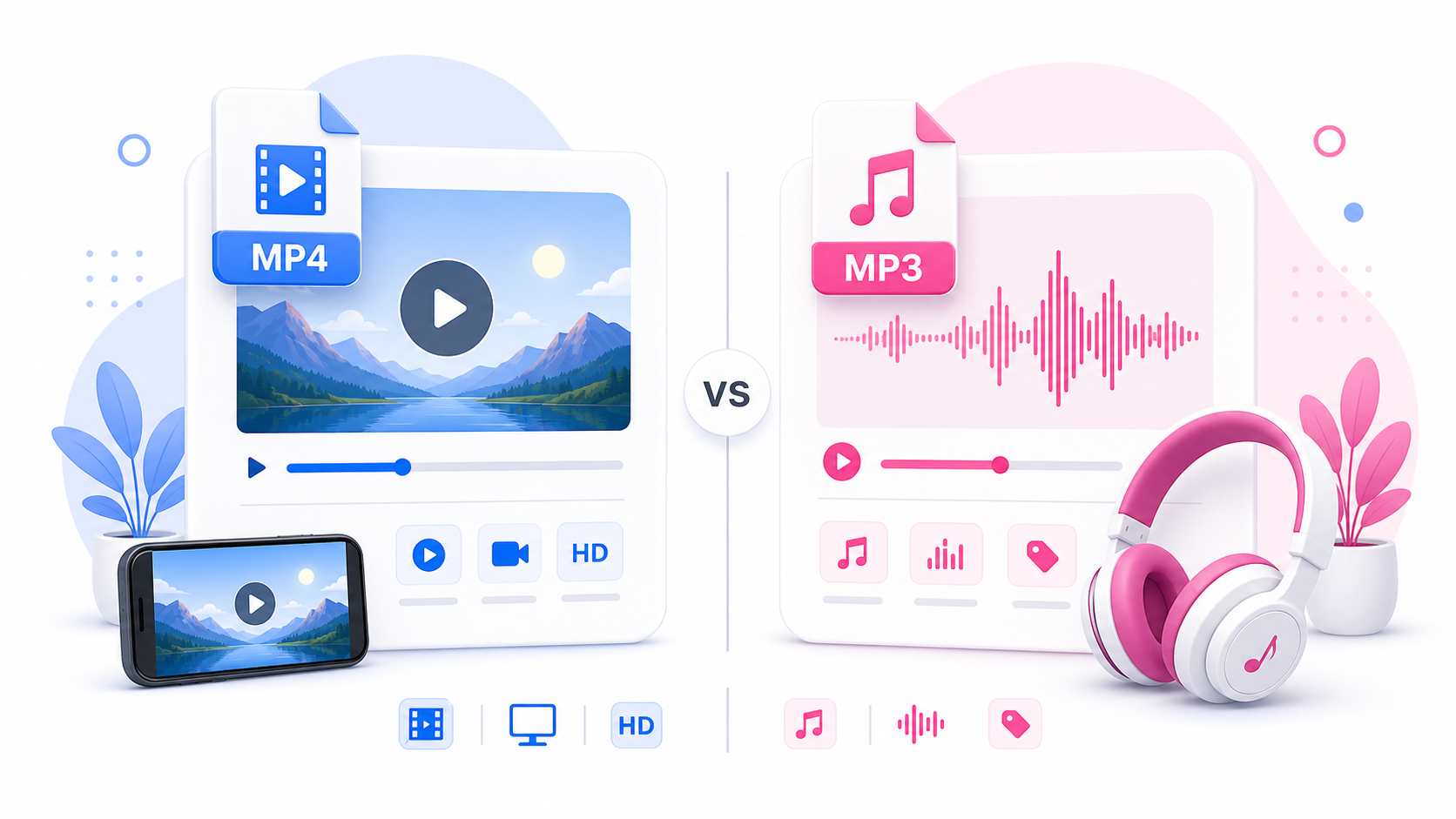
Should I separate MP4 and MP3 files?
Yes. Keep video files and audio files in separate folders to avoid confusion.