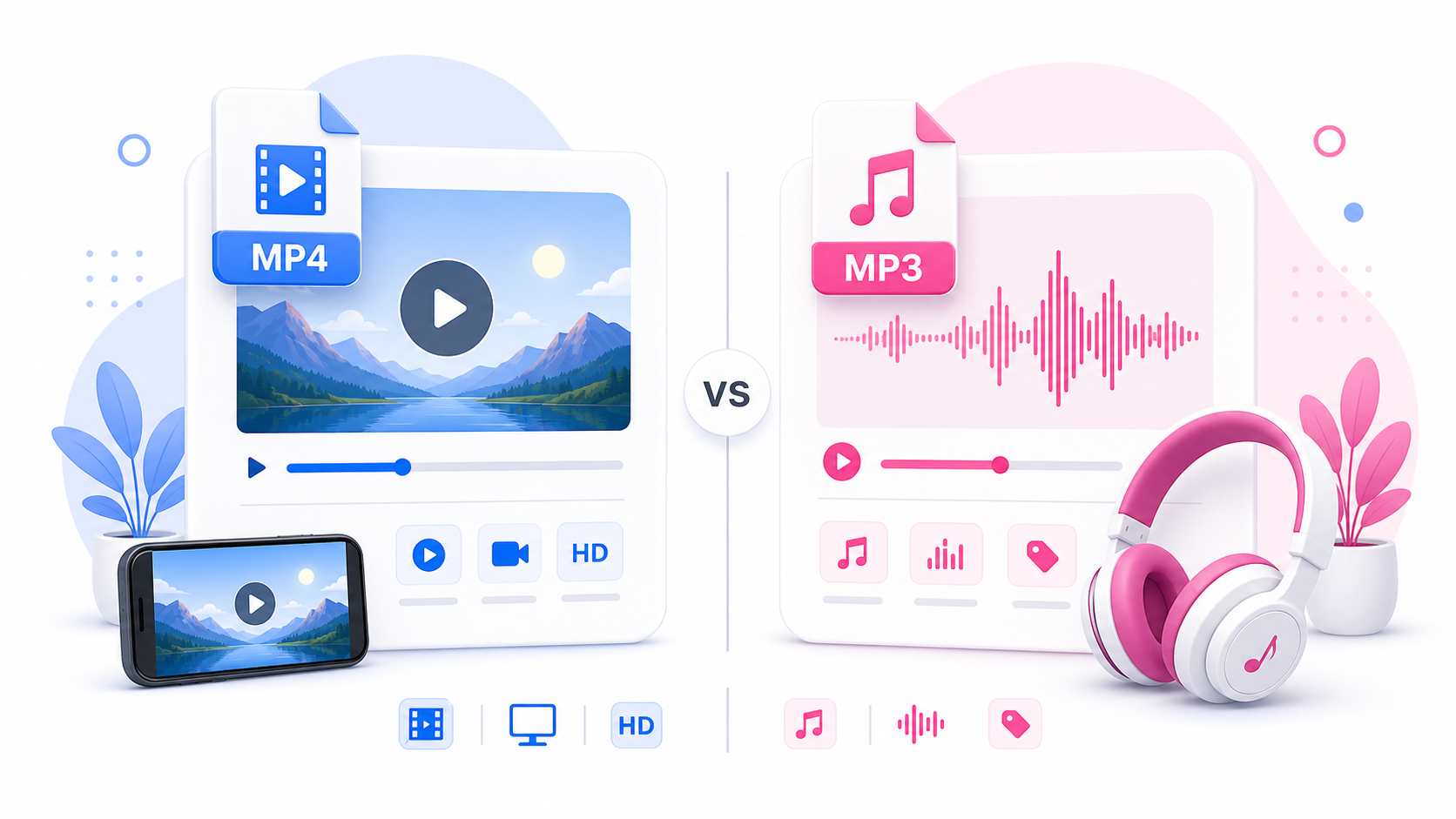
When downloading content from Instagram, you may see two common format choices: MP4 and MP3. They sound similar, but they are used for different things. MP4 is for video. MP3 is for audio. This guide explains the difference between Instagram MP4 and MP3 downloads, when to choose each format, and how SaveReels can help with supported public Instagram video and Reel links.
What Is MP4?
MP4 is a video file format. It usually contains both video and audio in one file. If you download an Instagram video as MP4, you get the moving image and the sound together. This is the best choice when you want to watch, review, organize, or edit the full video. Use MP4 when you need: The full Instagram video Visual references Reel backups Editing examples Offline video playback Campaign review files Content planning assets
What Is MP3?
MP3 is an audio file format. It contains sound only. If you convert an Instagram video to MP3, you extract the audio from the video and save it as a separate audio file. You will not get the visuals. Use MP3 when you need: Reel audio Voiceover clips Sound references Spoken content Audio notes Music or sound ideas for personal reference Your own audio backups
MP4 vs MP3: Simple Difference
The easiest way to choose: Need the video? Choose MP4. Need only the sound? Choose MP3. MP4 keeps the visuals. MP3 removes the visuals and keeps the audio.
When to Download Instagram Videos as MP4
Choose MP4 if you want to watch the video later, save your own content, review a visual idea, or keep a full reference file. MP4 is also useful for creators and social teams because it preserves the visual structure of the video: cuts, captions, framing, lighting, camera movement, overlays, and timing. If you are studying why a Reel works, MP4 is usually better than MP3 because you can see both the visuals and the sound.
When to Convert Instagram Videos to MP3
Choose MP3 when the sound matters more than the visuals. For example, you might want to save your own Reel voiceover, listen to spoken content offline, collect sound references, or keep audio ideas for later. MP3 files are usually smaller than video files, which makes them easier to store and organize.
Which Format Is Better for Creators?
Creators usually need both formats at different times. Use MP4 for: Rewatching your content Building editing references Saving your own published videos Reviewing captions and visual timing Sharing approved campaign files with a team Use MP3 for: Saving your voiceovers Reviewing audio hooks Collecting sound ideas Preparing editing notes Listening without watching the video
Which Format Is Better for Offline Viewing?
MP4 is better for offline viewing because it includes the full video. MP3 is better for offline listening because it includes only audio. If you want to watch a Reel later on a plane, train, or low-signal area, use MP4. If you only want to listen to a voice clip, use MP3.
Which Format Has Better Quality?
They are different types of quality. MP4 quality depends on video resolution, compression, bitrate, and source quality. MP3 quality depends on the source audio and audio conversion. SaveReels provides the best available file it can prepare from supported public Instagram links, but the original source still matters. A low-quality video or noisy audio track will not become perfect after downloading.
Can You Convert MP4 to MP3 Later?
Yes. If you download the MP4 first, you may be able to extract audio later using editing software or an audio converter. But if you already know you only need the sound, downloading MP3 directly is faster. SaveReels gives you a simple path: Use the Instagram Video Downloader for MP4. Use the Instagram to MP3 Downloader for audio.
Responsible Use of MP4 and MP3 Files
Whether you download MP4 or MP3, the content may still belong to the original creator. Downloading does not give you ownership or permission to repost, remix, monetize, or redistribute the file. Use downloaded content responsibly and ask for permission when needed.
FAQ
Is MP4 video or audio?
MP4 is a video format that usually includes both video and audio.
Is MP3 video or audio?
MP3 is audio only.
Should I download Instagram Reels as MP4 or MP3?
Choose MP4 for the full Reel. Choose MP3 if you only need the audio.
Can SaveReels do both MP4 and MP3?
Yes. SaveReels provides MP4 downloads for supported public videos and an Instagram to MP3 Downloader for supported public video links.
Which format is better for editing?
MP4 is better for video editing. MP3 is useful for audio editing or sound reference.