MP4 is one of the most practical formats for saving Instagram videos. It works on phones, computers, tablets, editing tools, and most media players. If you want to download a public Instagram video or Reel in the best available quality, SaveReels can help you save supported links as HD MP4. This guide explains how HD MP4 downloads work, what affects quality, and how to get the cleanest file available from a public Instagram video link.
What Is HD MP4?
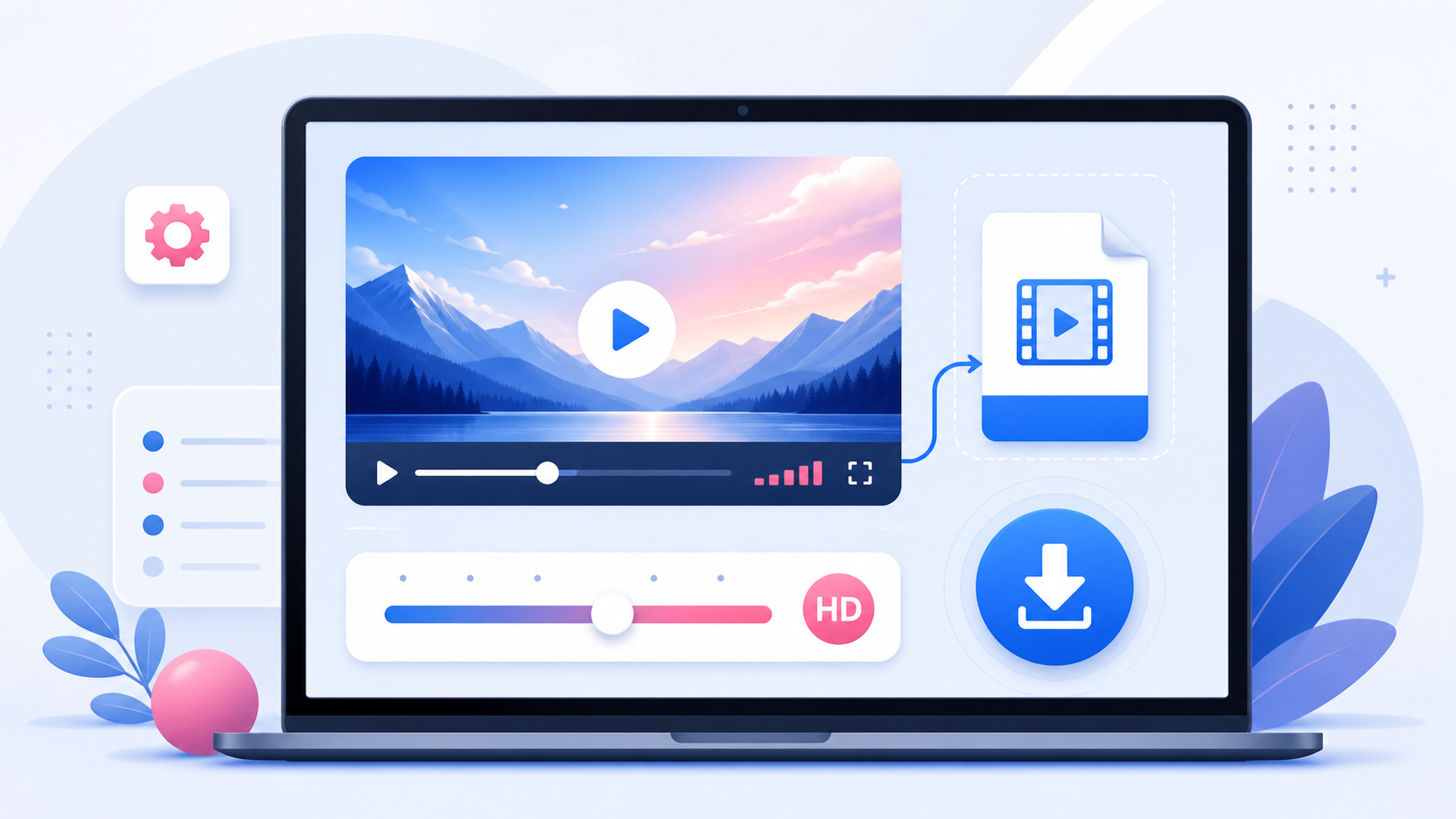
HD usually means high-definition video quality, such as 720p or higher. MP4 is a video container format that can store video and audio in a file that works across most devices.
When people search for an Instagram HD MP4 downloader, they usually want a video that is:
Clear enough to watch offline Easy to play on mobile and desktop Compatible with editing tools Not converted into a strange file format Saved without unnecessary extra steps
How to Download Instagram Videos in HD MP4
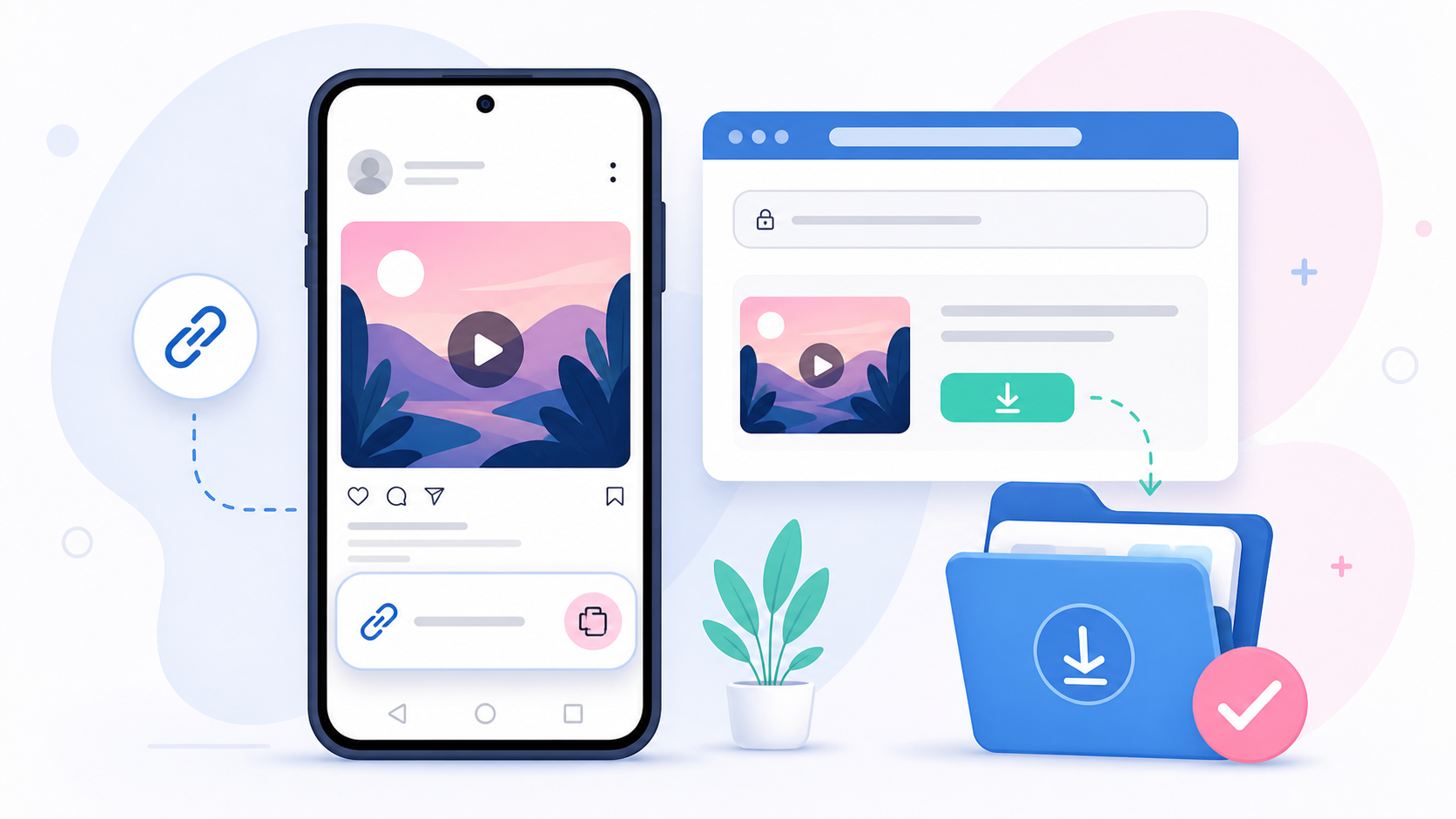
The process is simple: Open Instagram and copy the public video or Reel link. Go to the Instagram Video Downloader. Paste the link into SaveReels. Preview the video. Download the MP4 file. If the video is public and supported, SaveReels will prepare the best available MP4 quality it can retrieve from the source.
Why Final Quality Depends on the Source
A downloader cannot create quality that does not exist in the original source. If the creator uploaded a low-resolution video, the downloaded file may also look low-resolution. If the video was compressed heavily before upload, the final MP4 may show compression artifacts. Video quality can be affected by: The original file quality Instagram’s compression The creator’s export settings The video’s resolution and bitrate Whether the video was reposted multiple times The quality Instagram makes publicly available SaveReels provides the best available public MP4 version it can access, but it does not magically upscale or recreate missing detail.
Tips to Get the Best Possible MP4
Use the direct link to the original post or Reel whenever possible. Avoid links from reposted videos if the original version is available. Download from a stable internet connection. Make sure the content is public and supported. Do not rely on screen recording if you need the cleanest file, because screen recording can reduce quality and add interface elements. If you are downloading your own content, use the original edited file from your camera roll or editing software when available. Use SaveReels when you need a browser-based copy from a public Instagram link.
HD MP4 vs Screen Recording
Screen recording may look convenient, but it often captures notifications, buttons, captions, low playback resolution, or black bars. It may also record at a lower quality than the source file. Downloading the MP4 directly from a supported public video link is usually cleaner because you get a file prepared from the media source rather than recording your screen.
HD MP4 vs MP3
Choose MP4 when you need the full video with visuals and sound. Choose MP3 when you only need the audio track from a supported public video or Reel. For example: Use MP4 for offline viewing, editing reference, or visual review. Use MP3 for audio notes, sound references, or extracting your own Reel audio. You can convert supported public video links to audio using the Instagram to MP3 Downloader.
Can You Download 4K Instagram Videos?
Instagram videos are often compressed and may not be available in true 4K quality through public delivery. If a page promises “4K Instagram download” for every link, be cautious. The available quality depends on the original upload and what Instagram makes accessible. The honest promise is this: SaveReels tries to provide the best available MP4 quality from the supported public source.
What If the MP4 Looks Blurry?
If the downloaded video looks blurry, the issue may be the source quality rather than the downloader. Check:
Does the Instagram video look blurry when played normally?
Was it uploaded as a low-resolution file?
Is it a repost of a repost?
Is the video old or heavily compressed?
Did you download the correct post?
If the original looks blurry, the downloaded MP4 will probably look similar.
FAQ
Does SaveReels download Instagram videos in HD?
SaveReels provides the best available public MP4 quality it can retrieve from supported links.
Can I choose the video resolution?
Available options may depend on the source and what can be retrieved. Not every Instagram video provides multiple quality options.
Is MP4 better than MP3?
MP4 is for full video. MP3 is for audio only. The better choice depends on what you need.
Does SaveReels improve video quality?
No. SaveReels does not upscale or enhance videos. It prepares the available file from the supported public source.
Why is the downloaded video smaller than expected?
Instagram compression, original upload settings, and available source quality can all affect file size.