Instagram has different types of video content, and the names can get confusing. Some people search for an Instagram Reels downloader. Others search for an Instagram video downloader. In many cases, they want the same thing: to save a public Instagram video as MP4. But there is a useful difference. This guide explains how Reels and video posts differ, when to use each term, and how SaveReels supports public Instagram video downloads.
What Is an Instagram Reels Downloader?
An Instagram Reels downloader is a tool focused on downloading public Reels. Reels are short-form vertical videos designed for quick viewing, discovery, trends, and audio-driven content. They often include music, voiceovers, captions, edits, and effects. Use a Reels downloader when your link is specifically a Reel URL.
What Is an Instagram Video Downloader?
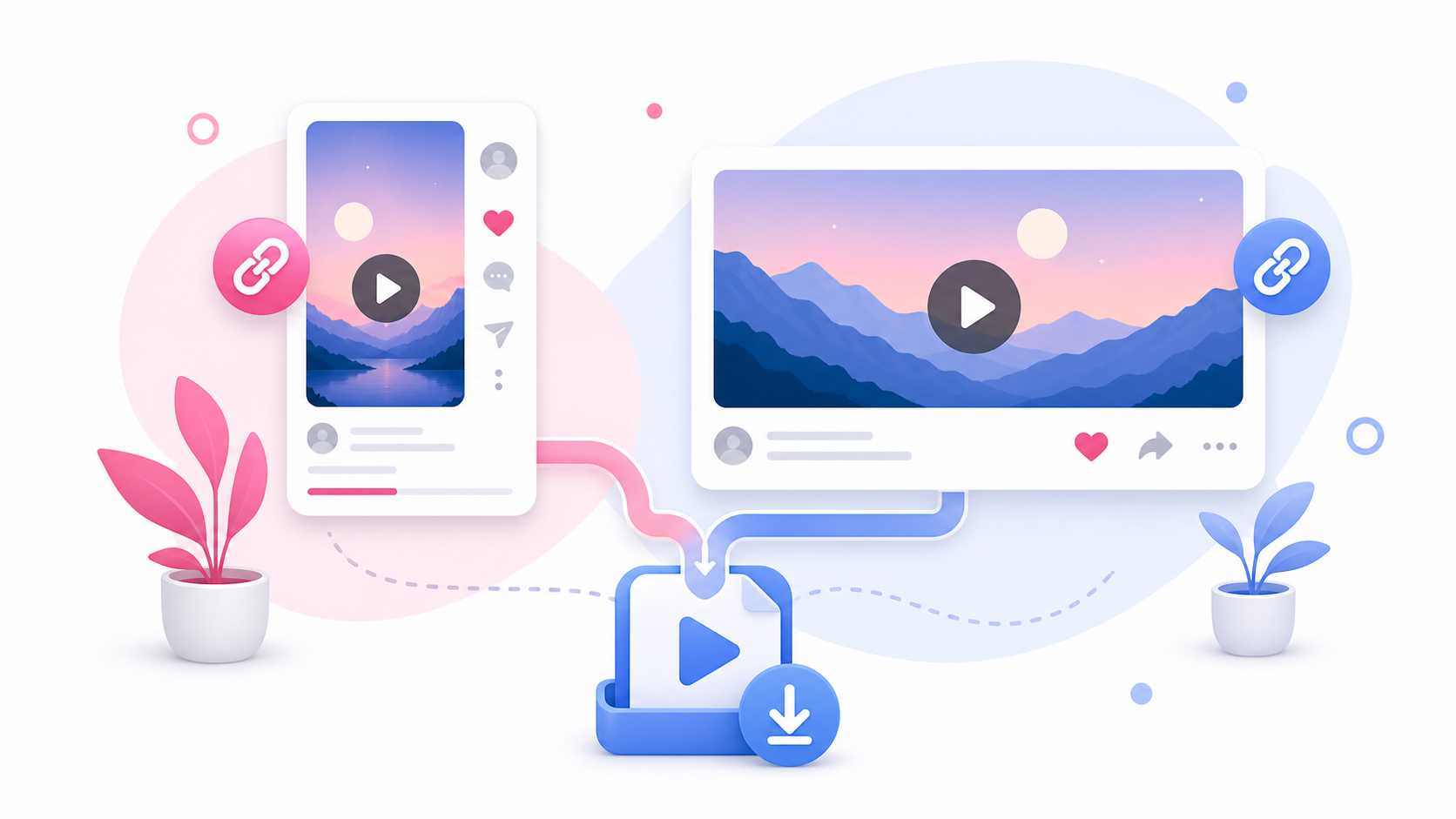
An Instagram video downloader is a broader term. It can include public Reels and public single-video posts. This is why SaveReels uses “Instagram Video Downloader” for the main tool. It describes the broader purpose: downloading supported public Instagram videos as MP4.
Simple Difference
Think of it this way: Reels downloader: for public Instagram Reels. Video downloader: for public Instagram videos more broadly, including supported Reels and single-video posts. A Reel is a type of Instagram video, but not every Instagram video is described by users as a Reel.
Which One Should You Use?
Use SaveReels when you have a supported public Instagram video link. If the URL includes /reel/, it is likely a Reel. If the URL includes /p/ and points to a single public video post, it may also be supported. Paste the link into the Instagram Video Downloader, preview the media, and download the MP4 if available.
Why the Homepage Targets “Instagram Video Downloader”
The homepage targets the broader user intent. Many people do not know whether their link is technically a Reel, video post, or another content type. They simply want to download an Instagram video. “Instagram Video Downloader” covers that broader need. Dedicated Reels content can still be useful for users who specifically search for Reels, Reel audio, or offline Reel saving.
What About Reel Audio?
If you only need audio from a supported public Reel, use the Instagram to MP3 Downloader. This is different from downloading the full Reel as MP4. MP3 gives you audio only. MP4 gives you the full video and sound.
What SaveReels Supports
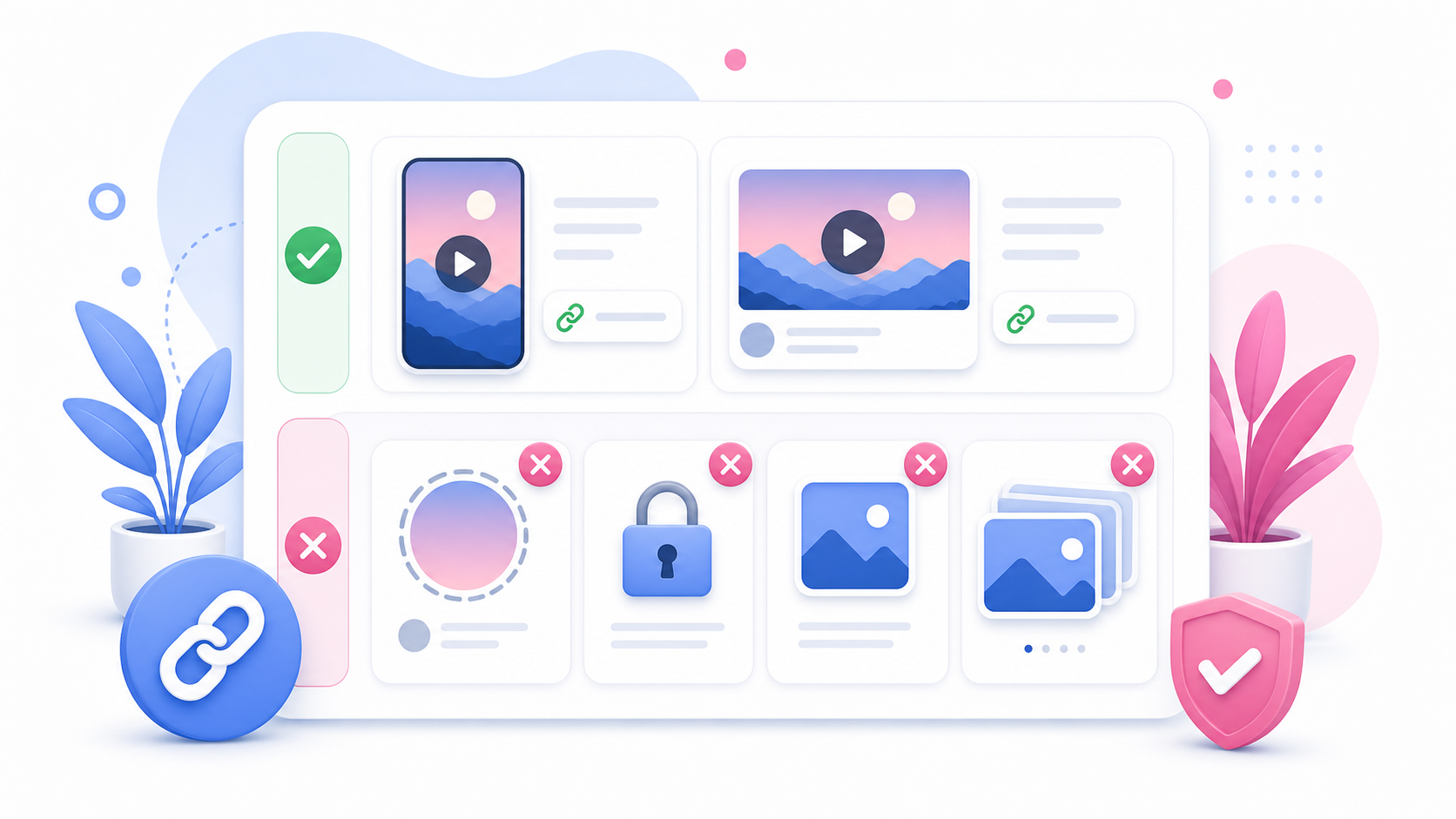
SaveReels supports:
Public Instagram Reels
Public single-video Instagram posts SaveReels does not currently support: Private videos Stories Highlights Image posts Carousel posts Login-only content If a link is unsupported, the preview may not load.
Why Some Reels Do Not Work
A Reel may fail if: It is private It was deleted It is restricted It requires login The copied link is broken Instagram temporarily limits public media access The URL is not a direct Reel link Copy the link again and make sure it opens publicly in a browser.
Which Keyword Should Creators Use?
If you are explaining the tool to users, “Instagram Video Downloader” is better for the main page because it is broad. Use “Instagram Reels Downloader” for a dedicated Reels landing page or article, because that page can focus specifically on Reels, short-form video, MP4 downloads, and Reel audio links. This keeps the site structure clean and avoids repeating the same page with slightly different wording.
FAQ
Is a Reel an Instagram video?
Yes. A Reel is a type of Instagram video.
Can SaveReels download Instagram Reels?
Yes, supported public Reel links can be downloaded as MP4.
Can SaveReels download video posts?
Yes, supported public single-video post links can be downloaded as MP4.
Is MP4 the best format for Reels?
MP4 is the best choice if you want the full video with audio.
What if I only need Reel audio?
Use the Instagram to MP3 Downloader for supported public Reel links.