
The MP3 tool extracts audio from the retrieved Instagram clip. It does not download the full song named in Instagram’s audio library or create sound when the retrieved video has no audio track.
Prepare and save MP3
- Copy the original URL of one public Reel or single-video post.
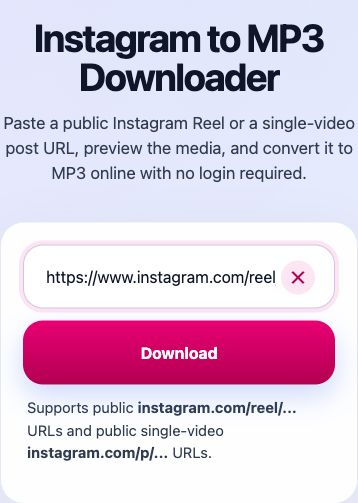
- Open Instagram to MP3 Downloader, paste the link and select Download to load the preview.
- Choose Download Audio and wait for its preparation animation.
- Check your browser’s Downloads list for a completed MP3 transfer. If no transfer started and the button is grey with a checkmark, reload the page and prepare the original link again. On a supported phone, you can instead use Prepare file → Save or share in the second block to send the actual audio file.

MP3 or MP4?
- MP4: choose Instagram Video Downloader when you want the moving picture and the available sound together.
- MP3: choose Instagram to MP3 Downloader when you only want the clip’s audio. MP3 contains no video track.
- Neither format adds missing source detail, removes existing source overlays, grants reuse rights, or retrieves the entire song beyond the clip.
Two different audio errors
No audio track was found
The retrieved video contains no audio stream. Repeating the conversion will not create sound; choose a different video with audio.
The retrieved file has no audio stream. Turning up the volume or retrying the conversion will not add one.
The audio could not be converted
This does not mean the original video is silent. Wait and prepare the original link again; if MP4 works but MP3 fails, send an audio report.
The file could not be processed into MP3. This is different from confirmed absence of an audio stream. If MP4 works but MP3 still fails, report an audio request with the visible error.
Find or share the audio file
Look in Files on iPhone, or in Downloads or your file manager on Android. MP3 files are not videos and are not automatically imported into Photos or Apple Music. Open the file with a compatible audio app. Sharing requires a supported mobile browser. SaveReels limits file sharing to 50 MiB; use Download Audio for larger files.
Use the original post link again if needed
Prepared links are temporary. If an old result stops working, prepare the original public Instagram URL again instead of keeping the old download link as a permanent bookmark.