
SaveReels prepares an MP4 from a supported public Instagram video. The same flow handles Reels and single-video posts. You do not need to sign in to Instagram on SaveReels.
Download an MP4 in four steps
- Open the individual Reel or video post in Instagram and copy its link. Do not copy a profile or audio-library page.
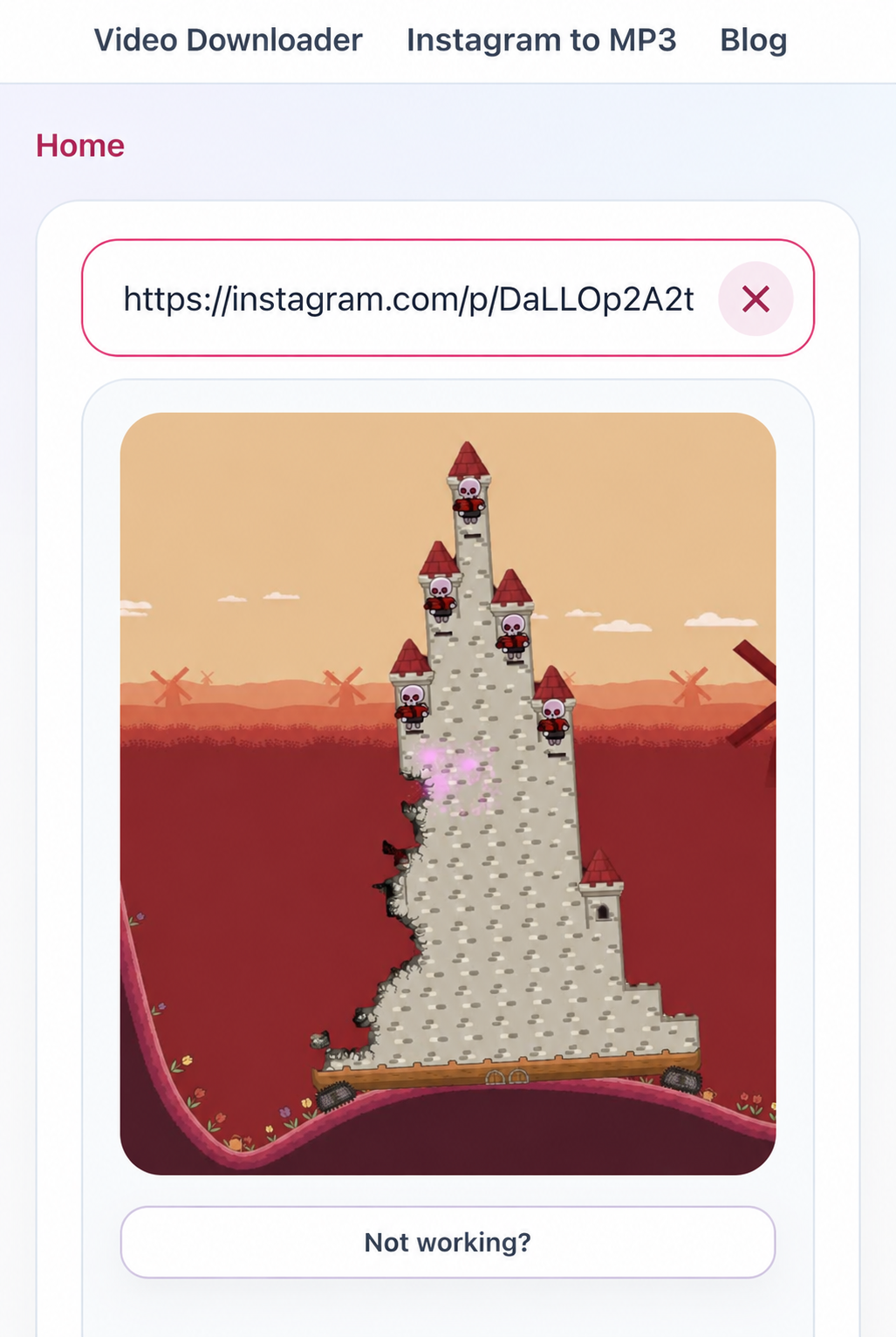
- Open Instagram Video Downloader, paste the link and select Download. Wait for the preview.
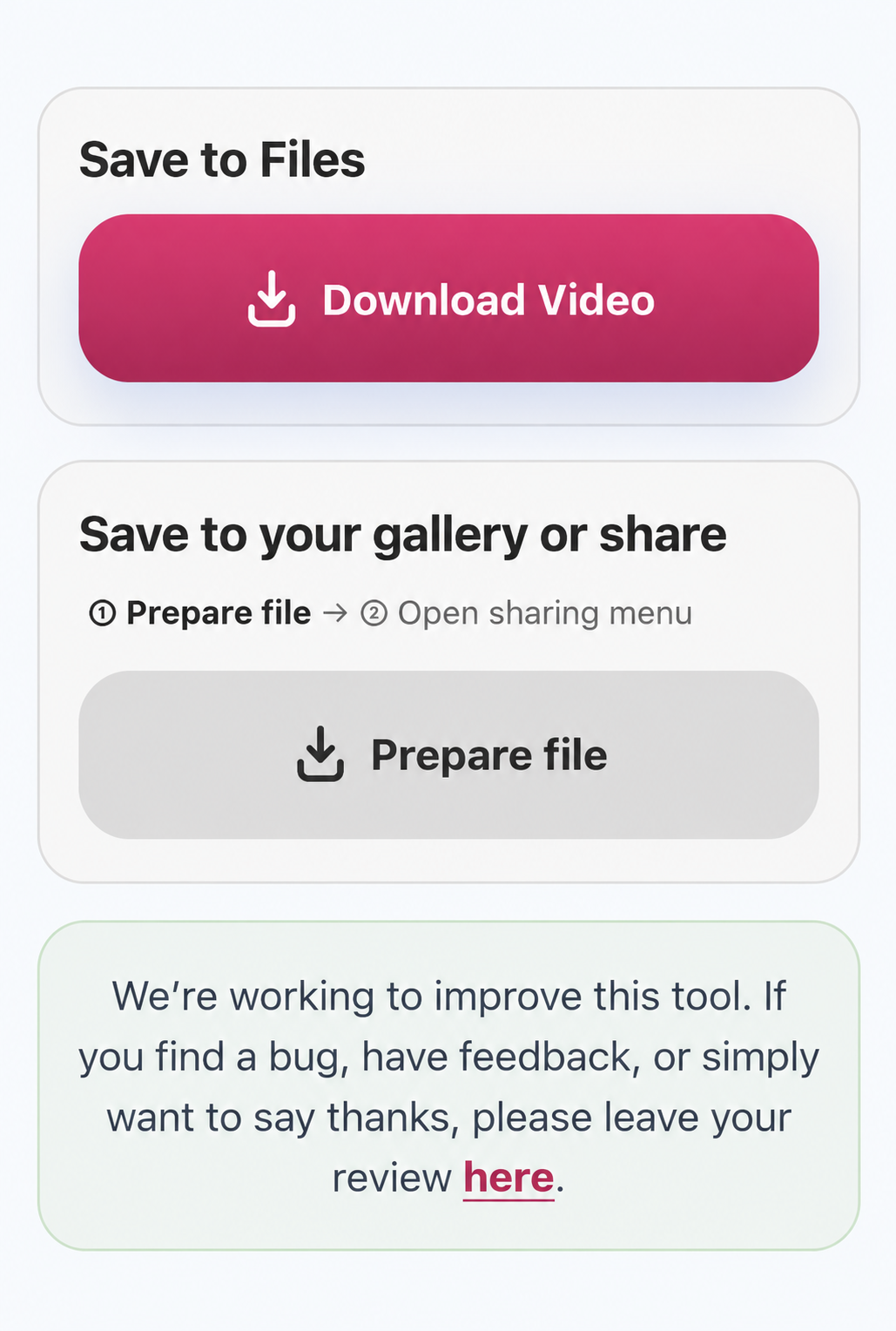
- Select Download Video below the preview. Keep the tab open while the button shows a loading animation.
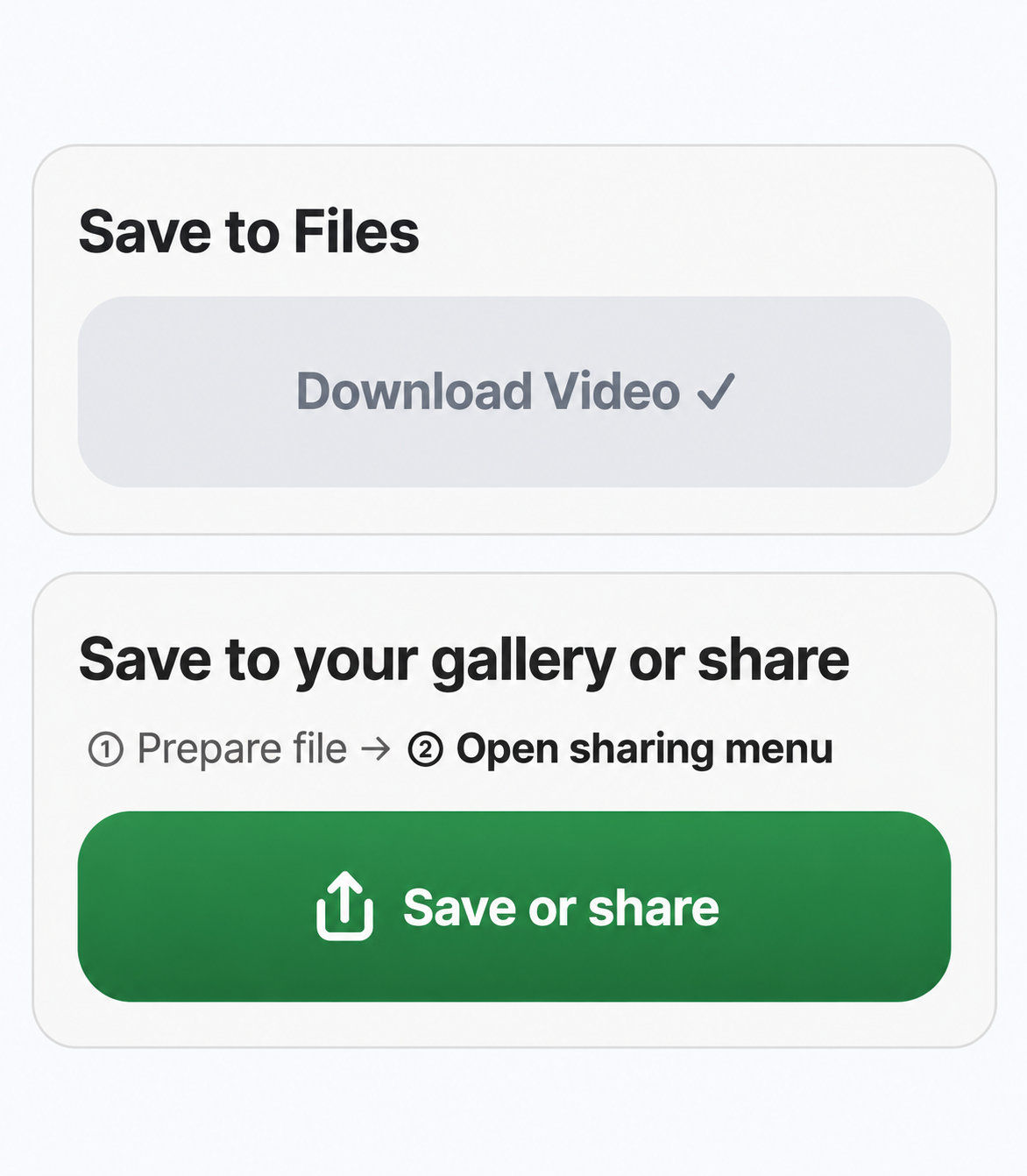
- When the file is ready, SaveReels starts the browser download. Check your browser’s Downloads list. A grey button with a checkmark means the transfer was requested, not that saving has finished. If no transfer started, reload the page, paste the original Instagram link and prepare the video again.
Use the mobile sharing menu instead
On a supported phone, choose Prepare file in the second save-method block. Wait until the second step is highlighted and the button changes to Save or share. Tap that green button to open your device’s sharing menu. This second tap is required: the file must be ready before the browser can open the menu from a fresh user gesture. Choose a destination that your device actually offers. SaveReels cannot guarantee that Save Video or Photos will be available.
Which links work?
- Reel pattern: https://www.instagram.com/reel/SHORTCODE/
- Single-video post pattern: https://www.instagram.com/p/SHORTCODE/
- These are explanatory URL patterns, not working sample videos.
- Private content, Stories, Highlights, photos, carousels, profile pages and audio-library pages are not supported by this flow. A public post can still be unavailable to the downloader.
Quality and watermarks
MP4 quality depends on the stream Instagram makes available and what SaveReels can retrieve. A download cannot restore detail missing from the source or guarantee HD resolution. SaveReels does not add its own watermark; branding, subtitles and overlays already in the original video remain. Use only content you are entitled to save or reuse.
Find the file or fix a failure
On a phone, Download Video normally uses the browser’s file-download destination, not necessarily the gallery. Read the phone-saving guide below for Files versus Photos. If preparation fails, follow the exact visible error message; a preview alone does not prove that the video stream can still be fetched.
Video or audio?
Use Instagram Video Downloader for the MP4 video. Choose Instagram to MP3 Downloader only when you need the sound as an audio file. MP3 is not a video and will not appear as a playable video in Photos.